
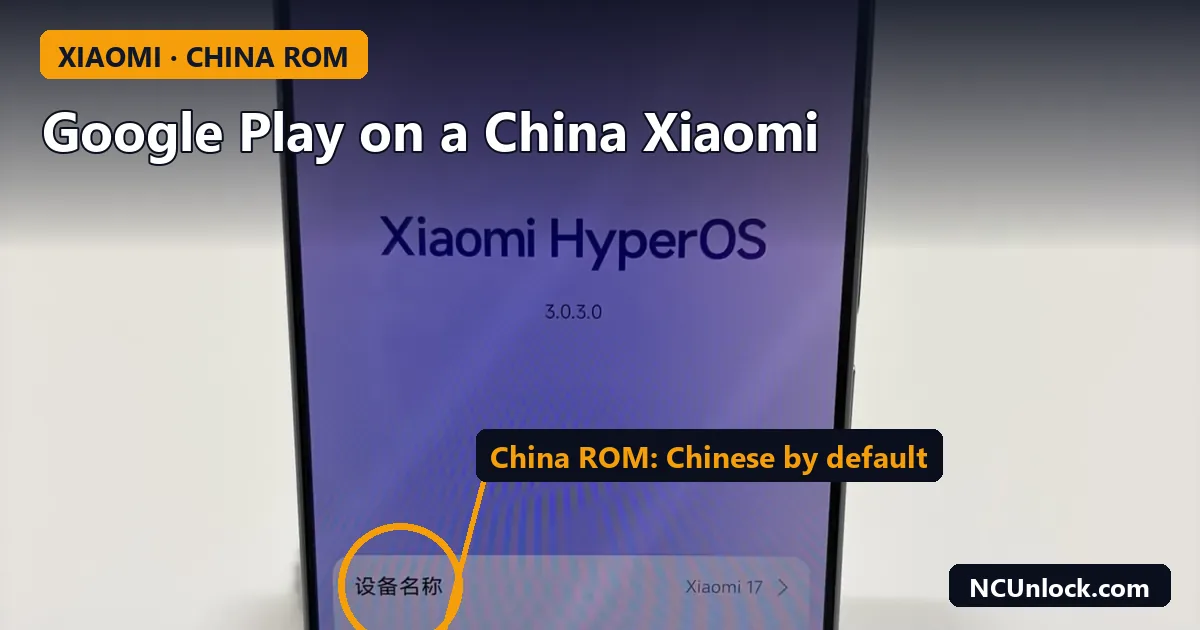
Getting Google Play on a Xiaomi China ROM is easier than most people expect. On current HyperOS China builds, the Google framework is already on the phone and switched off, so you usually only need to turn it on, add the Play Store and sign in. What you cannot fix with a switch is everything Google ties to the region and to certification. This guide explains what works, what often does not, and when a China phone is better off with a different ROM, as of November 2026.
Why a China Xiaomi has no Google Play
Phones sold in mainland China ship without Google apps. Xiaomi uses its own app store, browser and account services there instead. The firmware is not the same as the global one either: a China build ends in CNXM in the OS version string, while a global build ends in MIXM. If you are not sure which one your phone runs, check that first in China ROM vs Global ROM: how to check your phone version.
That check matters more than the Google steps. A phone sold as “global version” that actually runs a China ROM with a swapped boot logo, or a China phone with a seller-installed fake global ROM, behaves differently from both. The second case is the one that boot-looped after the HyperOS 3 update, which we covered in HyperOS 3 bootloop on a China Xiaomi with a converted Global ROM.
Step by step: Google Play on a Xiaomi China ROM
There is no Xiaomi help page in English for this, so the steps below follow two recent hands-on guides: a German setup guide tested on a China Xiaomi 17 with HyperOS 4.0.6, published November 21, 2026 (smartzone.de), and a February 2026 walkthrough for the China Xiaomi 17 Pro (XimiTime). Menu names move a little between models and versions, so look for the closest match.
- Switch the language first. On HyperOS 4 China builds you can usually pick a system language under Settings > Additional settings > Languages & input. The German guide counted 16 languages on the Xiaomi 17, with some missing. English is normally there; older HyperOS 3 builds offered fewer languages.
- Turn on the Google framework. Go to Settings > Additional settings > Accounts & sync (shown as Accounts on some builds) and enable Basic Google services. Give it a minute; the framework needs time to start.
- Install the Play Store. Both guides install the Play Store APK through the browser because it is not on the home screen. Use only a source that checks the file is signed by Google, and never an APK bundle that also asks for extra permissions or a “patched” Play Services.
- Add your Google account. Go to Settings > Additional settings > Accounts > Add account > Google, or simply open the Play Store and sign in.
- Update Google apps. Let the Play Store update Google Play services and itself before you install anything else.
- Fix late notifications. China builds are strict about background apps. For each app that needs push messages, open App info, enable Autostart and set battery saver to No restrictions. XimiTime also suggests locking the app in recent apps.
None of this needs an unlocked bootloader, root or a PC. If a guide or seller tells you that you must root a China Xiaomi just to get the Play Store, that is not true for current builds.
What works and what often does not
This is where China ROMs differ from global ones. Turning on Google services gives you the Play Store and most apps, but some features depend on certification, region-specific Google components or apps that Xiaomi does not ship in China. The table combines the two guides above with Google’s own rules; treat it as a starting point, not a promise for your exact phone.
| Feature | Typical result on a China ROM |
|---|---|
| Play Store, app downloads and updates | Works after setup |
| Gmail, YouTube, Maps, Drive | Work as apps |
| Gemini and Google Lens apps | Reported working on the Xiaomi 17 (HyperOS 4) |
| Push notifications | Often delayed until Autostart and battery settings are changed |
| Circle to Search | Not available; the gesture opens Xiaomi’s own image recognition |
| Android Auto | Reported not working |
| Wear OS watch pairing | Reported not possible without root |
| Maps voice commands, Location history | Reported missing |
| Google Wallet and banking apps | Mixed: they depend on certification and integrity checks (see below) |
| Play Games cloud saves | Some owners report sync options missing; check before you rely on it |
Play Protect certification decides the hard cases
Apps that handle money or video licences usually check whether the device is Play Protect certified and whether it passes integrity checks. Google states that uncertified devices may not get Google apps and app updates, and may lack security protection (Google Android Help). Results on China Xiaomi phones vary: the German tester saw “certified” on a China Xiaomi 17 with HyperOS 4, and other owners report the opposite on other models and builds.
Check it yourself before you buy or before you depend on the phone: open the Play Store, tap your profile icon, go to Settings > About and look at Play Protect certification. If it says the device is not certified, read “Device is not Play Protect certified” on China ROM phones. Do not use tools that fake a certified fingerprint; they break with updates and can get an account flagged.
Unlocking the bootloader does not help here. It usually makes integrity checks fail, not pass. The reasons are in Play Integrity after unlocking the bootloader.
Things to avoid on a China ROM
- “GMS installer” apps from unknown sites. The framework is already in the ROM. An extra installer is at best useless and at worst malware with system access.
- Modified Play Services or Play Store files. They stop updating, they can break sign-in, and they are a security risk.
- Flashing a random “global” ROM on a locked phone. A converted ROM can look fine until the next OTA. If you want global software, do it with an unlocked bootloader and the correct firmware.
- Relocking after a ROM change. Locking a phone that is not on its original firmware is a common cause of “The system has been destroyed”.
When to change the ROM instead
For many owners the China ROM with Google services is enough: it keeps official updates and needs no unlock. Consider a different setup when one of these matters to you:
- You rely on Android Auto, a Wear OS watch or tap-to-pay, and they fail after setup.
- Your language is missing from the China build.
- Notifications stay unreliable even after the battery and Autostart changes.
The options are an official global ROM where the hardware has a global twin, or a well-known community ROM. Both normally need an unlocked bootloader, and anti-rollback rules decide which builds are safe to flash; see Xiaomi anti-rollback explained and the complete Xiaomi bootloader unlock guide. For the wider trade-offs, read bootloader unlock vs root vs Global ROM.
NCUnlock offers remote Global ROM services for Xiaomi phones over UltraViewer, with the phone connected to your Windows PC. Support depends on the exact model and current build, so ask before you order. If you have not bought the phone yet, our China version phone checklist lists what to ask the seller. OnePlus and OPPO owners can follow the separate ColorOS China Google Play setup.
FAQ
Do I need to root or unlock to get Google Play on a China Xiaomi?
No. On current HyperOS China builds you enable Basic Google services, install the Play Store and sign in. No unlock, root or PC is needed.
Where is the Basic Google services switch?
Usually under Settings > Additional settings > Accounts & sync. Some builds label the screen Accounts. If you cannot find it, search “Google” in the Settings search bar.
Why are my WhatsApp or Gmail notifications late?
China builds restrict background apps. Enable Autostart for the app, set its battery saver to No restrictions and keep it locked in recent apps.
Will Google Play survive OTA updates?
Usually yes, because the framework is part of the ROM. Owners do report that some settings, such as Autostart for helper apps, reset after an update, so check them again afterwards.
Will Google Wallet work on a China Xiaomi?
Sometimes. It depends on Play Protect certification and integrity checks for your model and build. Check certification in the Play Store settings before you rely on it.
Is the HyperOS China ROM with Google the same as a Global ROM?
No. You get Google apps, but region features, some Google integrations and some languages are still different. A Global ROM is a separate firmware.
Not sure whether your China Xiaomi can do what you need with Google services, or whether a Global ROM is the better route? Send the model and full OS version through our contact page and we will tell you what is possible on that build.
Featured photo: Xiaomi 17.jpg by 茅野ふたば, CC BY-SA 4.0, via Wikimedia Commons (cropped, title and callout added).
Comments
0 comments