
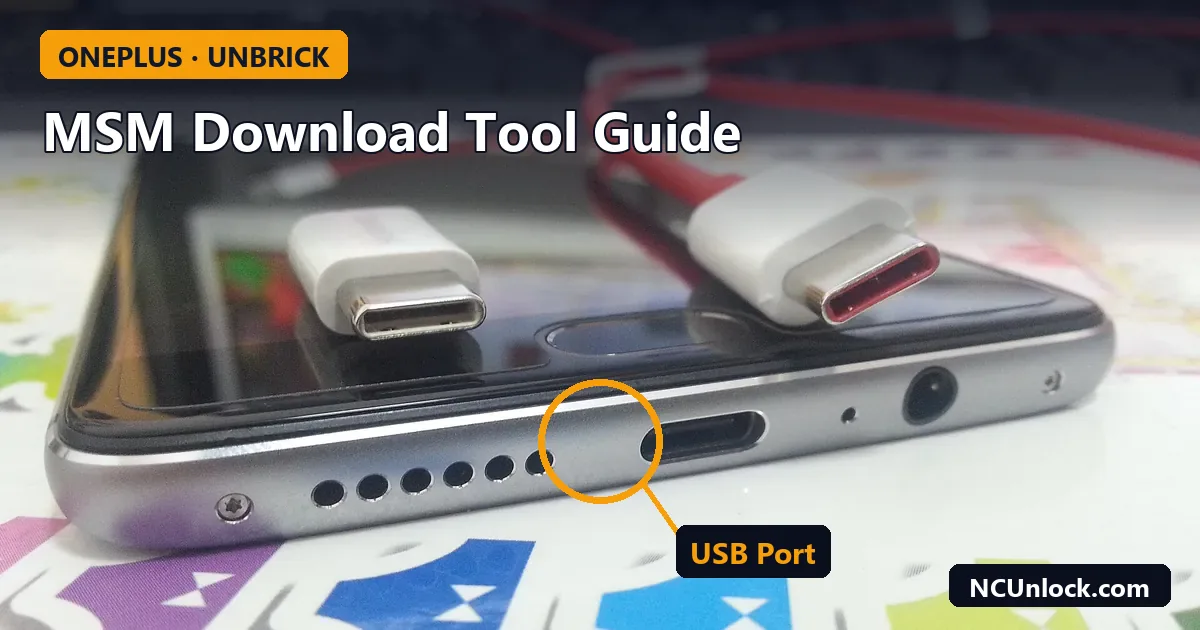
OnePlus MSM Download Tool is a Windows utility that flashes complete firmware through Qualcomm’s EDL (Emergency Download) mode — the last resort when a OnePlus phone is fully bricked, stuck in a boot loop, or unresponsive to Fastboot commands. The tool has saved many OnePlus devices from the recycling bin, but it does not work on every model. Here is what MSM Download Tool actually does, which phones it still supports, and what has replaced it on newer OnePlus devices.
What MSM Download Tool Does
When a OnePlus phone enters Qualcomm 9008 mode (also called EDL mode), it exposes a low-level diagnostic port over USB. MSM Download Tool connects to that port and writes a full firmware image directly to the phone’s storage, bypassing Android, the bootloader, and even Fastboot. This means it can restore a device that no other method can reach.
The tool was originally an internal service utility — not something OnePlus published for end users. Over the years, firmware packages for specific models leaked through repair channels and were shared on forums like XDA Developers. Each package is locked to a specific model and region (Global, India, China, EU, or carrier variants like T-Mobile), so using the wrong one can make things worse.
MSM Download Tool requires:
- A Windows PC (the tool does not run natively on macOS or Linux)
- Qualcomm 9008 USB drivers installed
- The phone in EDL mode (powered off, not responding to Fastboot)
- The correct firmware package for your exact model number and region
If you are unsure whether your phone is in EDL mode, Fastboot mode, or a normal boot loop, identifying the brick type first saves time and avoids unnecessary risk.
Which OnePlus Models Have MSM Download Tool Packages
Community-shared MSM packages (the ones that work without an authorized login) exist for older OnePlus devices. The table below reflects what has been documented on XDA Developers and other community sources as of late 2026. This is not an official OnePlus compatibility list.
| Model | MSM Tool Status | Notes |
|---|---|---|
| OnePlus One (A0001) | Available | Oldest supported device |
| OnePlus 2 (A2001–A2005) | Available | Multiple region packages |
| OnePlus X (E1001–E1005) | Available | Limited firmware versions |
| OnePlus 3 / 3T | Available | Well-documented on XDA |
| OnePlus 5 / 5T | Available | Global and China packages |
| OnePlus 6 / 6T | Available | Multiple carrier variants |
| OnePlus 7 / 7 Pro / 7T / 7T Pro | Available | Region-specific (GM/HD series) |
| OnePlus 8 / 8 Pro / 8T | Available | IN/KB model numbers |
| OnePlus 9 / 9 Pro / 9R / 9RT | Available | LE series; last generation with widely shared packages |
| OnePlus Nord / Nord 2 | Available | AC/DN model numbers |
| OnePlus 10 Pro | Restricted | Package exists but requires authorized login |
| OnePlus 11 and newer | Not available | Replaced by Oppo Flash Tool |
The OnePlus China vs Global model numbers matter here: a China PJZ110 and a Global CPH variant of the same phone need different firmware packages. Flashing the wrong region build can introduce new problems, including region lock errors or boot failures.
Why Newer OnePlus Models Do Not Support MSM Download Tool
Starting with the OnePlus 10 series in 2022, the tool began requiring a service account login tied to Oppo’s internal systems. By the OnePlus 11 (2023), the tool was renamed to Oppo Flash Tool (also called OPlus Flash Tool) and the firmware format changed from the older raw image to OFP (Oppo Firmware Package).
Three things changed:
- Server-side authorization. The flash tool connects to Oppo’s server to validate the technician’s account before it allows flashing. Without valid credentials, the tool detects the phone in 9008 mode but refuses to proceed.
- Signed firehose loaders. Qualcomm EDL mode uses a “firehose” programmer that must match the device’s security fuse settings. On newer Snapdragon chips, only signed programmers from the manufacturer work. Unsigned or mismatched programmers are rejected at the hardware level.
- OFP firmware format. The firmware packages for the OnePlus 12, OnePlus Open, OnePlus 13, and later devices use Oppo’s encrypted OFP format, which is not compatible with the older MSM Download Tool.
This means that for devices from the OnePlus 11 onward — including the OnePlus 12, 12R (Ace 3), 13, 13T, 14, Open, and newer — a fully bricked phone generally requires either an authorized service center or a professional remote unbrick service with access to the Oppo Flash Tool.
How to Enter EDL Mode on a OnePlus Phone
If you have an older OnePlus model and the correct MSM package, you need to put the phone into EDL (Qualcomm 9008) mode first. The method depends on the phone’s current state:
- From a powered-off state: Hold Volume Up + Volume Down while connecting the USB cable to the PC. On many OnePlus models (especially the 3 through 9 series), this enters EDL mode. The screen stays black, but the PC detects a “Qualcomm HS-USB QDLoader 9008” device in Device Manager.
- From Fastboot: If the phone is in Fastboot mode, the command
fastboot oem edlreboots it into EDL mode on many OnePlus devices. See the fastboot commands reference for details on safe vs risky commands. - Hardware test points: On some models, shorting specific test points on the motherboard forces EDL mode. This requires opening the phone and is a last resort for hard-bricked devices.
Once in EDL mode, MSM Download Tool should detect the device automatically. If the tool shows “Open Serial Device Failed,” check that the Qualcomm 9008 driver is installed and that no other program (such as Minimal ADB) is holding the COM port.
What to Do When MSM Download Tool Does Not Cover Your Model
If your OnePlus phone is too new for MSM Download Tool, or the package for your region does not exist, you have several options before giving up:
- Try Fastboot mode first. Many boot loops and soft bricks can be fixed by flashing firmware through Fastboot without touching EDL at all. OnePlus provides local upgrade packages (full OTA zips) that can be sideloaded from Recovery. Only when Fastboot itself is broken do you need EDL-level tools.
- Check whether a community Oppo Flash Tool build exists. For some models like the OnePlus 11, community members have shared working builds. However, these are unofficial, may not cover all firmware versions, and come with risk. Verify the source carefully.
- Use the OnePlus Flash Tool service. NCUnlock provides a remote unbrick service using authorized tools. A technician connects to your PC via UltraViewer or AnyDesk and uses the proper flash tool for your exact model. This covers models from the OnePlus 7 through the latest OnePlus 15T, including China variants.
- Do not download MSM Tool from random sites. Searching “MSM Download Tool free” returns many repackaged downloads that may contain malware or outdated firmware. If a site asks you to complete surveys, install extra software, or provides a universal “all-in-one” package, it is not legitimate. The genuine tool is model-specific and comes as a self-extracting archive.
For phones running ColorOS 17 without Fastboot access, the situation is especially difficult because the usual Fastboot recovery path is blocked. EDL with an authorized tool may be the only way to recover.
FAQ
Does MSM Download Tool erase all data on the phone?
Yes. MSM Download Tool writes the entire firmware image, which wipes all user data, apps, and settings. There is no way to preserve data during an MSM flash. If you can still access the phone in any mode (even Fastboot), try to back up data before resorting to MSM.
Can MSM Download Tool remove a Google account lock (FRP)?
On older models where community packages are available, flashing through MSM resets the phone to factory state, which on some firmware versions also clears FRP. However, this should only be done on your own device. Using MSM to bypass FRP on a phone that is not yours is not something we support or recommend.
Is the OnePlus 10 Pro supported by MSM Download Tool?
A firmware package for the OnePlus 10 Pro exists, but it requires an authorized login to use. Community reports on whether bypass methods work are inconsistent. For the 10 Pro specifically, a professional unbrick service is the most reliable option.
What is the difference between MSM Download Tool and Oppo Flash Tool?
MSM Download Tool is the older name used for OnePlus devices from the OnePlus One through the 9 series. Oppo Flash Tool (also called OPlus Flash Tool) is the successor, used for the OnePlus 11 and newer. Both work through Qualcomm 9008 mode, but the Oppo Flash Tool requires server-side authorization and uses a different firmware format (OFP).
Can I unbrick a China OnePlus with MSM Download Tool?
Yes, but you need the China-specific firmware package. For example, the OnePlus 7 Pro has separate MSM packages for GM1910 (China) and GM1917 (Global). Using a Global package on a China model — or vice versa — can cause region lock or boot issues. Check the model number table to identify your variant before flashing.
If your OnePlus phone is bricked and you are not sure which tool or firmware to use, contact NCUnlock for a diagnosis. The remote service covers both older MSM-supported models and newer devices that require authorized Oppo Flash Tool access.
Featured photo: OnePlus 3 USB port and the cable.jpg by Porsche 911GT2, CC BY-SA 4.0, via Wikimedia Commons (cropped).
Comments
0 comments