
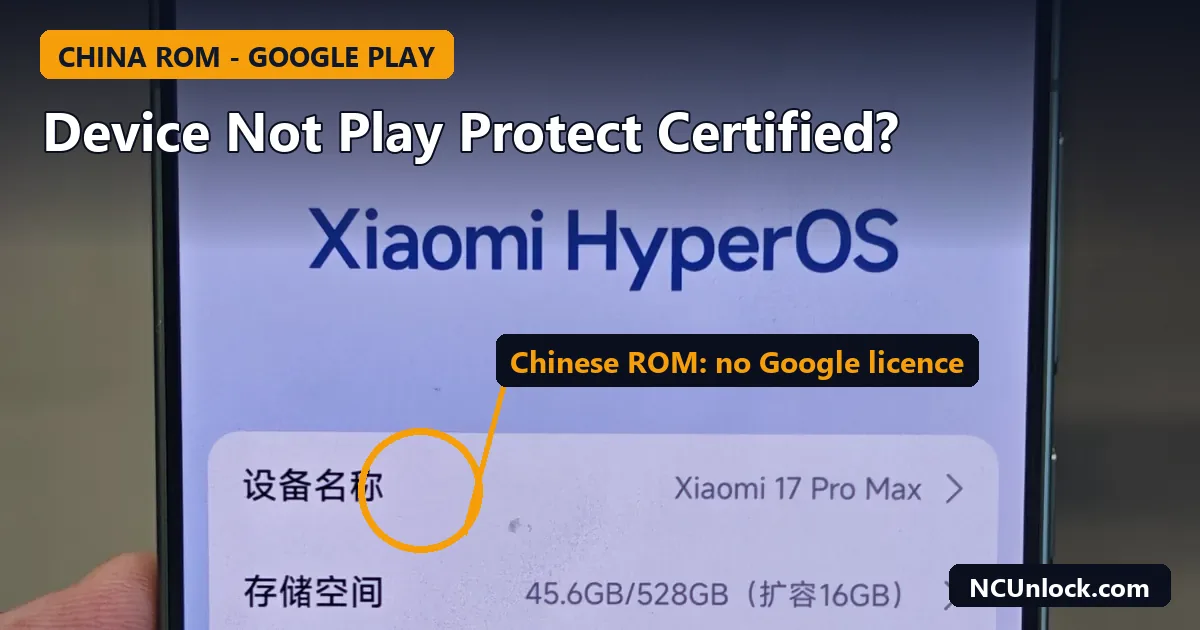
If Play Store tells you that device is not Play Protect certified on a phone you imported from China, the message is usually accurate rather than a glitch. A China-market ROM normally ships without Google’s licensed apps, so any Google apps you add afterwards sit on a phone Google has no compatibility record for. This guide explains what the message means, how to check your status, which causes you can actually fix, and what does not help.
What Google says the message means
Google’s Play Protect certification help page explains it in three points:
- Certified devices ship with Google apps that are licensed and have passed Android compatibility testing.
- Only Play Protect certified devices are eligible to include Google apps such as the Play Store.
- If a device is not certified, Google has no record of its compatibility test results.
Google also lists the downsides of an uncertified device. It may be less secure, it may not get Android or app updates, the Google apps on it are not licensed, apps and features may not work correctly, and data may not be backed up securely. That is Google’s own wording of the risk, not ours.
One point surprises many people: turning off Google Play Protect does not fix this. Google says certification is a separate thing from Play Protect, which is the system that scans for harmful apps.
Why China ROM phones trigger it
Phones sold in mainland China typically run a China ROM without Google Mobile Services. Owners then install Google Play and other Google apps by hand. By Google’s own rule, only certified devices are eligible to include Google apps, so the Play Store may flag the phone as not certified. This is an inference from Google’s rule, but it matches what importers report.
If you are not sure which ROM you have, check it first with our guide to China ROM vs Global ROM. For the practical side of getting Google apps running on ColorOS, see our ColorOS China Google Play setup guide.
How to check your status
- Open the Play Store.
- Tap your profile icon at the top right.
- Tap Settings, then About.
- Look for the Play Protect certification line.
Google’s page describes these steps for checking whether the device is certified. The wording on your screen can differ by Play Store version and language.
Match the cause to the fix
Google gives a list of fixes by message. The most relevant ones are below.
| What the phone has | What Google says to do |
|---|---|
| No network, or Google Play services out of date | Check the connection and update Google Play services. |
| Google Play services not found | Turn it on under Settings, All services, System services. |
| Unlocked bootloader | Lock the bootloader using the manufacturer’s instructions. |
| Rooted or modified device | Unroot, update Android, factory reset and restore the original manufacturer-signed build. |
| System updates pending | Install the latest updates and restart. |
| “Something went wrong” | Wait at least 10 minutes and try again. |
If your phone is a certified model with a false alert, Google says you can send feedback from Settings using the hashtag #appissue or #deviceintegrity.
Be careful before relocking a China phone
Google’s advice for an unlocked bootloader is to lock it again. That works on a phone with a full, matching stock ROM, but it can end badly on an imported phone with a modified or mismatched build. Relocking over the wrong firmware is a common cause of the dead screen and the “system has been destroyed” message. Read our guide to that Xiaomi error and check anti-rollback (ARB) before you relock anything. If you want to understand how unlocking affects app checks, our Play Integrity guide explains what fails and why.
Realistic options on a China ROM
- Accept it and use what works. Many Google apps still run on a China ROM phone. Some apps and payments checks may not, and the Play Store message may remain.
- Move to a Global ROM if your model supports it. This is the cleanest answer to the certification problem, because the phone then runs a build meant for Google services. It is not safe on every model. A mismatched or converted ROM can bootloop, as we describe in our post on HyperOS 3 bootloop on a converted Global ROM.
- Return or exchange the phone if you bought it expecting a global version and received a China unit.
NCUnlock lists remote services for many Xiaomi, Redmi and POCO models in the Global ROM Xiaomi category. Check that your exact model is listed before ordering. If it is not, contact us with your model name, model code and current ROM version.
If you have not bought the phone yet
The cleanest way to avoid this message is to know what you are buying. Ask the seller three things in writing: which ROM the phone ships with, whether Google services are included, and what happens if the phone needs a repair or a reflash outside China. A seller who says “Global ROM” for a China-market model may have flashed a converted build, which brings its own risks. Our checklist for buying a China version phone lists what to confirm before you pay. When the phone arrives, open Settings, About phone and read the ROM version, then run the Play Store check above before you sign in to banking or payment apps.
What we do not recommend
- Tools that fake the phone’s identity to pass the check. We do not cover them. Google’s own guidance is to restore the original manufacturer-signed build, and faking the check can interfere with banking and payment apps.
- Random “fix” guides that tell you to disable Play Protect. Google says that does not solve certification.
- Registering the device ID with Google, as some third-party guides describe. Google’s help page does not mention it, and the results we found are mixed, including users who say it did not work. We do not treat it as a reliable fix for China ROM phones.
FAQ
Is “device is not Play Protect certified” the same as Play Protect scanning my apps?
No. Play Protect scans for harmful apps. Certification is a separate record of whether the device passed Google’s compatibility testing.
Can I fix it by turning Play Protect off?
No. Google says turning it off will not fix a “Device is not certified” message.
Does it mean my phone is unsafe?
Not by itself, but Google warns that an uncertified device may be less secure and may miss updates. Keep your phone updated through its maker’s channel and install apps only from sources you trust.
Will unlocking the bootloader make it worse?
Google lists an unlocked bootloader as a reason a device can fail the check, and tells users to lock it again. Relocking is not safe on every imported phone, so check your firmware first.
Which phones get this message?
Any phone that is not certified can show it. We see it most on China-market Xiaomi, OnePlus, OPPO and realme phones with Google apps added by hand, and on phones with a modified system.
Source
Certification meaning, status check and fix list are from Google’s Play Protect certification help page. Statements about China ROM phones and relocking risk are our own assessment from the guides linked above.
Featured photo: Xiaomi 17 Pro Max 001.jpg by RichardBi0129, CC BY-SA 4.0, via Wikimedia Commons (cropped, title and callout added).
Comments
0 comments