
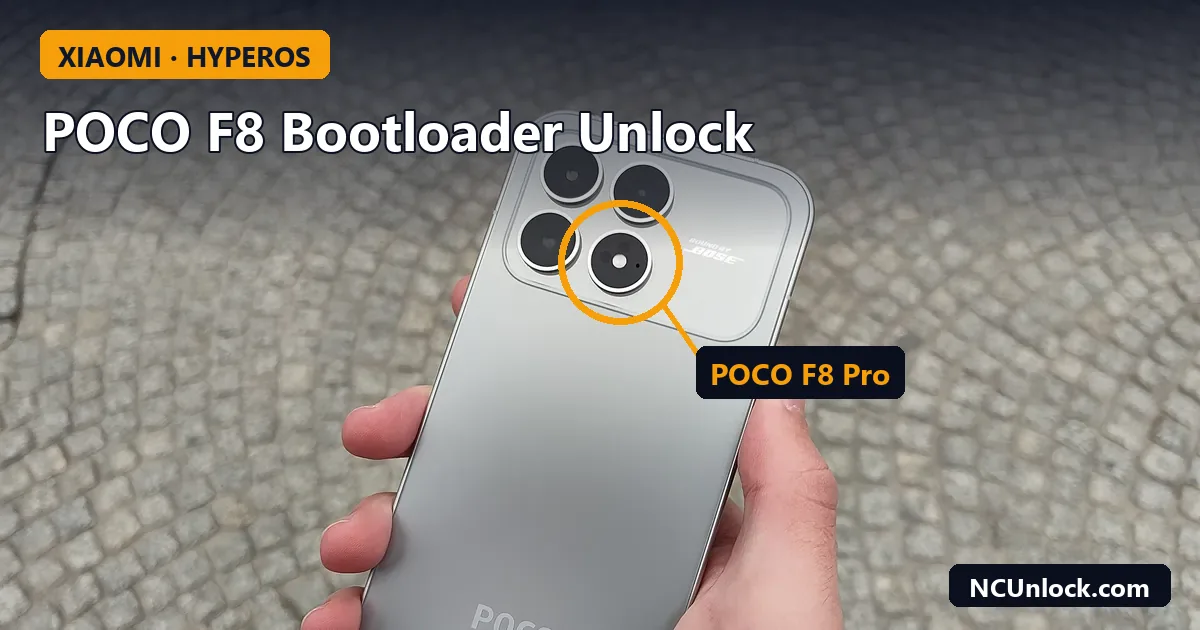
A POCO F8 bootloader unlock is possible through Xiaomi’s official route on a global phone, but expect an account check, a daily application limit, a waiting timer and a full data wipe. This guide covers the POCO F8 Pro and F8 Ultra as of November 2026: how to confirm what you own, what each official step looks like, where public sources disagree, and what to settle before you install HyperOS 4.
First, confirm which phone you have
POCO announced the F8 Pro and F8 Ultra globally on November 26, 2025. Launch coverage describes them as rebrands of the Redmi K90 and Redmi K90 Pro Max with different batteries (GSMArena). That family link matters, because a seller can offer you either the global POCO or its China twin, and the unlock rules are not the same.
| Phone | Chip | Closest China model | What to expect |
|---|---|---|---|
| POCO F8 Pro | Snapdragon 8 Elite | Redmi K90 | Global unit: official application route |
| POCO F8 Ultra | Snapdragon 8 Elite Gen 5 | Redmi K90 Pro Max | Global unit: official application route |
| Redmi K90 / K90 Pro Max | Same families as above | They are the China models | Not covered by the global route |
Two quick checks tell you which row you are in:
- Model number. Go to Settings > About phone. An IMEI listing reported in July 2025 gave 2510DPC44G for the F8 Pro and 2510DRK44C for the Redmi K90 (Gizmochina). In those listings the final G marks the global phone and the final C marks the China phone. Reports for the F8 Ultra number were not consistent before launch, so read yours from the phone itself.
- OS version string. A build ending in MIXM is global. A build ending in CNXM is a China build. If the box says Redmi K90 but the software says global, someone converted it.
If the two checks disagree, stop and read China ROM vs Global ROM: how to check your phone version before you touch anything else. A converted phone is the one case where a normal-looking update or a lock command can leave it unbootable.
What the official route asks for
Xiaomi’s process is tied to your account as much as to the phone. These are the points that public sources agree on:
- A non-China account. Xiaomi’s support FAQ limits unlock applications to accounts registered outside Mainland China (mi.com).
- An account that is at least 30 days old. Notebookcheck described this as a mandatory wait for new accounts when it unlocked a POCO M8 Pro in February 2026 (Notebookcheck).
- Approval in the Xiaomi Community app. Permission is requested there and only a limited number of requests are granted each day.
- Account binding over mobile data. Use the SIM connection, with Wi-Fi and VPN off.
- A waiting timer in Mi Unlock. The first attempt usually shows how many hours are left.
Where the sources disagree
Many guides state one exact rule with full confidence. We compared them and found that several details conflict. Plan for the stricter version.
| Question | What different sources say | Safe assumption |
|---|---|---|
| How long is the timer? | Usually 72 or 168 hours, sometimes 360 or more (Xiaomi Firmware); another guide says 168 hours | Trust the number Mi Unlock shows you |
| How many phones per account? | Xiaomi’s FAQ: up to 3, with more than 30 days between two unlocks. Notebookcheck: one device per account | Use an account that has not unlocked another phone |
| When does the daily quota reset? | Midnight Beijing time in most guides; Notebookcheck says 12 noon China time | Follow the time shown in the Community app |
| Is a community level needed? | Level 5 in one guide; not mentioned in others; an older community post says level 1 is enough | Open the request page and see whether it lets you apply |
None of these sources publishes a rule written only for the F8 Pro or F8 Ultra. The app and the tool decide for your account, so their messages outrank any article, including this one.
POCO F8 bootloader unlock: the official steps
- Back up everything. Photos, chats, authenticator apps and local files are erased at the end.
- Check that you are not already unlocked. A second-hand phone may be. See how to check Xiaomi bootloader status.
- Apply in the Xiaomi Community app. Set the region to Global, then go to Me > Bootloader unlock and tap Apply for unlocking. The approved state says that you can proceed to unlock your device.
- Enable Developer options. Tap the OS version seven times in About phone. Then open Additional settings > Developer options and turn on OEM unlocking.
- Bind the account. In Developer options open Mi Unlock status and tap Add account and device, on mobile data. Do this once; repeated attempts can block the account for a while.
- Connect in Fastboot. Power off, hold Volume Down and Power, then connect to a Windows PC. If nothing is detected, use our ADB and Fastboot setup guide.
- Run Mi Unlock from Xiaomi’s own download page, sign in with the same account and click Unlock. Note the timer.
- Wait, then repeat step 7. Do not sign out, reset the phone or change accounts during the countdown. Community guides report that this restarts it.
Menu names can shift between HyperOS versions. If the Community option is not there at all, see Xiaomi Community unlock button missing. If the request fails every day, see quota limit reached: what to do. An account and region mismatch is explained in Mi Unlock error 20045.
Unlock before or after HyperOS 4?
The F8 Pro and F8 Ultra are both in the early-November group of Xiaomi’s global HyperOS 4 schedule, and the F8 Pro was among the first phones reported to receive it, as OS4.0.2.0.XPKMIXM, a download of around 8.4GB (Business Today, November 4, 2026). The full list is in our HyperOS 4 rollout schedule.
For the official route, we found no source saying that HyperOS 4 adds or removes a step on these two phones. For anything else, the build matters a great deal. In early 2026 several unofficial methods were published for this hardware, and forum reports tied them to security patches older than February 2026. We do not publish or recommend those steps: they come from unknown tools, they stop working without notice, and a failed attempt can brick the phone.
The practical order is simple:
- If you use the official route, you can update first. Finish the update before you bind the account so nothing changes during the countdown.
- If you plan to use a service, send the exact OS version before updating. An update can move the phone to a build with fewer options.
- Do not plan on downgrading later. Anti-rollback can make older firmware unsafe to flash.
Owners of the China twin should read HyperOS 4 China update: unlock before you install? instead, because their situation is different.
What changes after the unlock
- Data. The phone is wiped and starts from setup.
- Warranty. Xiaomi’s support pages warn that unlocking can invalidate the official warranty. What happens in practice depends on your country and seller, so ask before you start.
- Banking and payment apps. Some stop working because they check device integrity. See Play Integrity after unlocking the bootloader.
- Security. Xiaomi’s unlock page says an unlocked phone is less secure and that features such as Find device are no longer available.
- Relocking. Only relock on complete, original firmware for that exact model. Locking a phone that runs another region’s ROM is a common way to reach “The system has been destroyed”.
If you are still undecided, is unlocking the bootloader safe? lists the trade-offs, and the complete Xiaomi bootloader unlock guide covers other models.
When a remote service makes sense
The official route is free, so try it first if you have an older global account and time. A service is worth considering when the quota fails day after day, when your account is too new, or when you need the phone ready by a fixed date.
NCUnlock offers POCO F8 Pro / F8 Ultra bootloader unlock for global versions at $30 as listed on the product page in November 2026. The session runs over UltraViewer with the phone connected to your Windows PC. It erases data like any unlock, and support depends on the exact variant and build, so ask before you order. For a China twin, see the separate Redmi K90 and Redmi K90 Pro Max services.
A service cannot remove a Mi Account or Google lock that belongs to someone else, and we do not accept such requests.
FAQ
How long does the POCO F8 unlock take?
The unlock itself takes minutes. The time goes into account age, the daily application and the timer. With an account older than 30 days and a quick approval, plan for a week or more.
Can I unlock a POCO F8 Ultra with a brand-new Xiaomi account?
Not through the official route straight away. Reports from 2026 describe a 30-day minimum account age.
Is a Redmi K90 the same as a POCO F8 Pro for unlocking?
No. The hardware is closely related, but the Redmi K90 is a China phone and the global application does not cover it. A converted ROM does not change that.
Do I need to unlock to get Google Play on a POCO F8?
No. A global POCO F8 ships with Google services. If yours has none, it is probably a China unit or a swapped ROM.
Will I still receive updates after unlocking?
Stock, unmodified software usually keeps receiving official updates. Root or modified partitions can make an update fail.
Not sure which POCO F8 you have, or whether your build is supported? Send the model number and full OS version through our contact page before you update or order, and we will tell you which route fits.
Featured photo: POCO F8 Pro back (2).jpg by Maksdroider, CC BY-SA 4.0, via Wikimedia Commons (cropped, title and callout added).
Comments
0 comments