
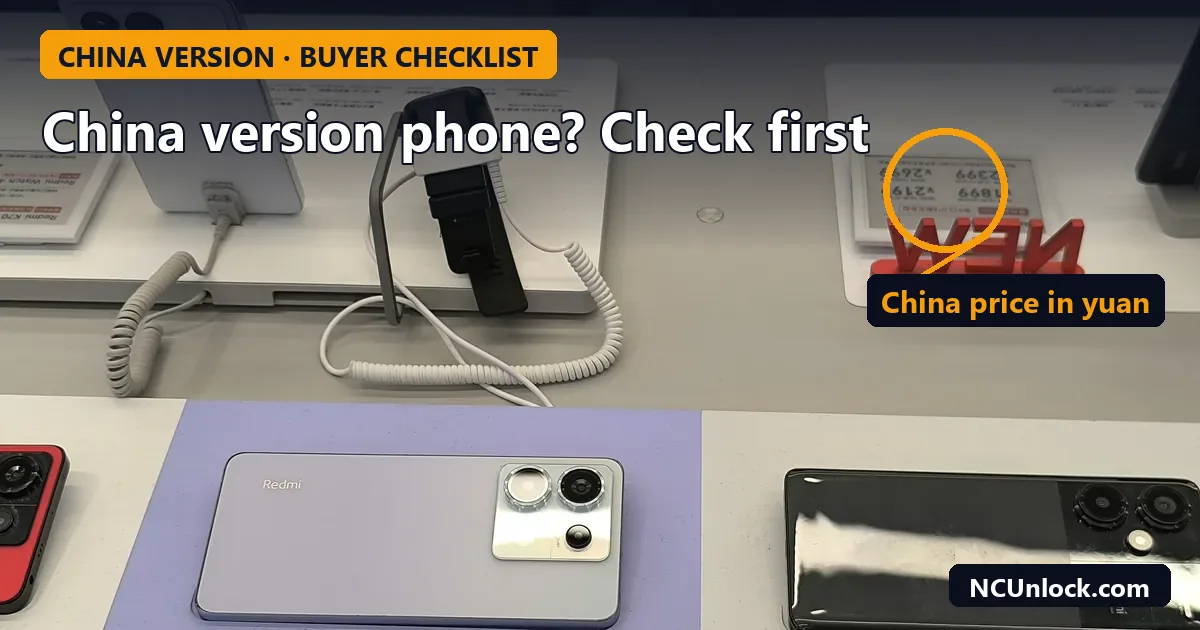
Buying a China version phone can save you a lot of money, or get you a flagship months before it launches in your country. It can also leave you with a phone that cannot make calls, has no Google Play, or never gets a working update. Most of these problems are predictable. This checklist walks through what to confirm before you pay, brand by brand, so you know exactly what you are getting.
The short version: check the model number, the ROM that is installed right now, the region lock situation for OPPO, OnePlus and realme, the bootloader rules for Xiaomi and OnePlus, and whether the seller has flashed anything. Each point is explained below.
Why China versions are cheaper (and what you give up)
China-market phones are built for one market: Chinese carriers, Chinese apps and Chinese accounts. The hardware is usually close to the global model, but the software is not. A China unit typically ships with ColorOS China, HyperOS China, realme UI China or RedMagic OS China, and those builds are designed around Chinese services instead of Google.
What you usually give up:
- Google services out of the box. On many models Google Play is missing or only partly supported until you set it up yourself.
- A full language list. English is normally there, but many other languages are not.
- Local warranty. A brand’s service centre in your country may refuse a unit that was never sold there.
- Some network features. VoLTE, Wi-Fi calling or 5G on your carrier may not work, even when the bands match.
None of this is a reason not to buy. It just means the price difference is paying for work you will do (or pay someone to do) later.
The pre-order checklist
| Check | Why it matters | How to confirm |
|---|---|---|
| Exact model number | China and global units often use different model codes | Ask the seller for a photo of Settings > About phone, or the box label |
| ROM currently installed | Sellers sometimes ship China hardware with a modified “Global” ROM | Ask for a photo of the full build number / software version |
| Region lock (OPPO, OnePlus, realme) | Calls and SIM functions can be restricted outside China | Ask whether the unit is activated, and plan for an unlock if needed |
| Bootloader policy (Xiaomi, OnePlus) | China units have stricter unlock rules than global units | Read the current brand rules before you plan to flash anything |
| Network bands and VoLTE | Missing low bands mean weak indoor signal | Compare the spec sheet bands with your carrier’s bands |
| Warranty and returns | Local service may not accept China units | Get the seller’s warranty terms in writing |
1. Confirm the model number
The model code tells you which market a phone was made for. For OnePlus, China units use codes like PJZ110 or PLK110 while global units use CPH codes. We keep a full table in OnePlus China vs global model numbers. For Xiaomi, Redmi, POCO, realme and Red Magic, the general method is the same: read the model in Settings, then compare it with the market listing. Our guide China ROM vs Global ROM: how to check your phone version shows where to look on each brand.
Ask the seller for a real screenshot, not a stock photo. If they refuse, treat that as an answer.
2. Ask which ROM is installed right now
This is the point most buyers skip. Some resellers flash a China phone with a ROM labelled “Global” before shipping. Often it is not an official Global build at all, just a modified China ROM with Google apps added. These phones look fine on day one and then fail later: OTA updates break, or an update leaves the phone stuck on the logo. We covered a common case in HyperOS 3 bootloop on a converted Global ROM.
A plain, untouched China ROM is usually the safer starting point. You know exactly what is on the phone, and any conversion can be done properly afterwards. If the phone is Xiaomi, also read Xiaomi anti-rollback (ARB) explained before anyone flashes an older build.
3. Plan for region lock on OPPO, OnePlus and realme
China-market phones from OPPO, OnePlus and realme can show a “region customized phone” warning and restrict calls when used with a SIM from certain countries. The issue drew wide attention in early 2023 when Chinese OnePlus 11 units lost calling outside China, as GSMArena reported. Not every unit or country is affected in the same way, and the behaviour can change with updates, so do not assume a phone is safe just because a review unit worked.
If the phone you want is affected, check our region unlock pages first: OnePlus region unlock services and network unlock services list the models we currently support. For realme, see for example the realme GT7 Pro region unlock. Background reading: OnePlus region lock unlock: check code and status.
4. Check the bootloader rules if you plan to flash
If you want to install a Global ROM, root, or simply keep the option open, the bootloader policy matters more than the price.
- Xiaomi, Redmi, POCO (China ROM): China HyperOS units have had stricter unlock requirements than global units since HyperOS arrived, including a Xiaomi Community level requirement (Android Authority). The rules change often; our Xiaomi HyperOS bootloader unlock guide keeps the current status for China and Global.
- OnePlus (China, ColorOS 16 and later): unlocking now requires an application. Android Authority reported the change in August 2025, and in July 2026 OnePlus tightened it further with account age checks, real-name verification, a yearly device quota and a 14-day window to use an approval (Notebookcheck).
Before you unlock anything, read is unlocking the bootloader safe? and Play Integrity after unlocking. Banking apps and some payment features may stop working on an unlocked phone. If you are unsure which route you need, bootloader unlock vs root vs Global ROM explains the difference.
5. Compare network bands and calling features
Open the spec sheet for the exact China model and compare its 4G and 5G bands with the bands your carrier uses. Pay attention to low bands, which carry indoor and rural coverage. Even when the bands match, VoLTE and Wi-Fi calling depend on carrier profiles in the firmware, and China builds may not include your carrier. Data working but calls dropping to 3G (or failing where 3G is switched off) is a common result.
6. Get warranty and return terms in writing
Brand service centres outside China may decline a China-market unit, so the seller’s warranty is often the only one you get. Ask how long it lasts, who pays shipping, and whether flashing or unlocking voids it. Keep the order number and invoice: region unlock requests and some official support channels ask for proof of purchase.
Brand notes at a glance
| Brand | Main thing to check | Useful page |
|---|---|---|
| Xiaomi / Redmi / POCO | Fake “Global” ROM from the seller, China bootloader rules | Global ROM Xiaomi |
| OnePlus | Region lock, China bootloader application | Flash OxygenOS on a China OnePlus |
| realme / OPPO | Region lock (“region customized phone”) | realme GT8 Pro region lock |
| Red Magic / Nubia | China ROM vs Global ROM, Google services | Red Magic 11 Pro China to Global ROM |
After the phone arrives: first-day checks
- Before signing in to anything, photograph Settings > About phone (model, build number, IMEI page).
- Insert your SIM and test a voice call, SMS and mobile data in the first hour.
- Check whether the bootloader is locked. For Xiaomi, follow how to check Xiaomi bootloader status. A China phone that arrives unlocked has usually been modified.
- Do not install an OTA update until you know which ROM is on the phone.
- If something is wrong, contact the seller the same day while returns are still open.
If the phone will not boot after an update or a flash, do not keep retrying random files. Check whether it is a soft or hard brick first with soft brick vs hard brick.
FAQ
Is it safe to buy a China version phone?
Yes, if you know what you are buying. The hardware is usually fine. The risks are on the software side: region lock, missing Google services, a modified ROM from the seller, and limited warranty. Check those before you order.
Will Google Play work on a China ROM?
It depends on the brand and model. Some China ROMs let you add Google services with a few steps, others need more work, and some apps may still refuse to run. A proper Global ROM conversion, where one exists for your model, is the cleanest fix.
Can a China version phone be converted to Global ROM?
Many models can, but the method differs. Some need an unlocked bootloader, some can be converted without it, and on some models only a China ROM is available. Check the model first; for Xiaomi, see our Xiaomi, Redmi and POCO bootloader unlock and Global ROM pages.
Does region lock affect every OPPO, OnePlus and realme China phone?
No. It depends on the model, the software version and the country of the SIM. Some users never see it, others see it after a few days or after an update. Plan for it rather than assume it will not happen.
Should I let the seller install a Global ROM before shipping?
Only if they can tell you exactly which official build they are installing and how. If they cannot, ask for the phone on its original China ROM. Unofficial “Global” ROMs are a common cause of bootloops and broken updates later.
Not sure whether the phone you are about to buy can be region unlocked, converted or recovered? Contact NCUnlock with the exact model number and a screenshot of the build number, and we will tell you what is possible before you order.
Featured photo: SZ 深圳 Shenzhen shop 小米紅米商店 Xiaomi Redmi Store May 2024 R12S 04.jpg by Billingyin FlyingThree300, CC0, via Wikimedia Commons (cropped).
Comments
0 comments