
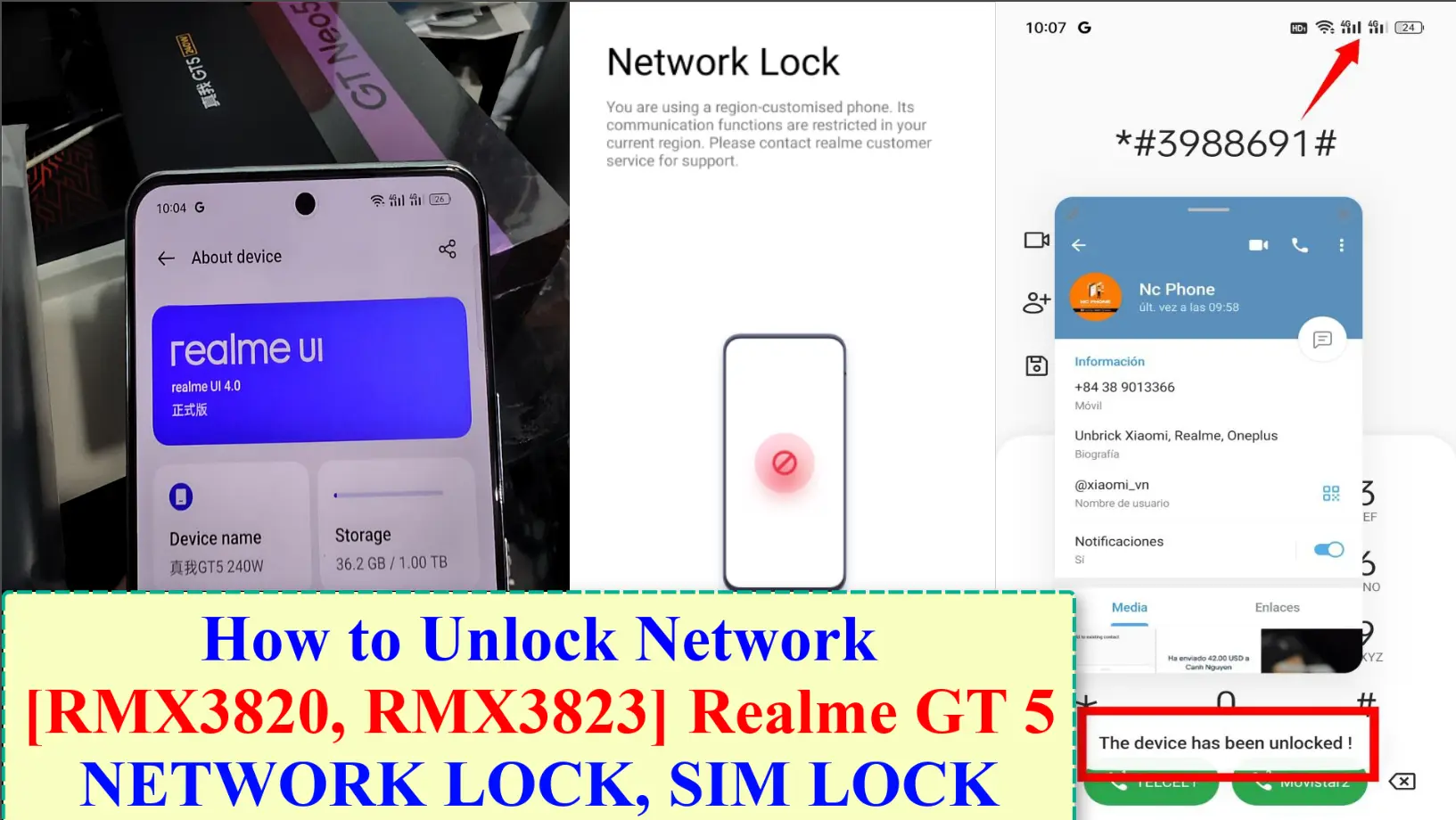
How to Unlock Network on Realme GT 5 RMX3820, RMX3823 (Remove region restriction) – Unlock Sim lock on Realme GT 5 and all model realme, Oppo, OnePlus. A SIM region lock is a type of SIM lock that restricts the use of a mobile phone to a specific region or country. This means that a phone with a SIM region lock will only work with SIM cards from that particular region or country and will not work with SIM cards from other regions or countries.
For example, a phone with a SIM region lock for China will only work with SIM cards from China and will not work with SIM cards other regions and countries. SIM region locks are often put in place by mobile phone manufacturers or network providers to control the distribution of their phones and to ensure that they are used only in the regions for which they are intended.
The SIM region lock is usually tied to the phone code, and it can only be removed by entering a special code, provided by the manufacturer or network provider. However, removing a SIM region lock may not be possible in all cases, and it may also void the phone’s warranty.
How to Unlock Network on Realme GT 5
Step 1: Open dialer on Your device
Step 2: Dial *#06# or search IMEI on Phone Box, invoice,…….
Step 3: Coppy Your device IMEI Number ( IMEI 1)
Step 4: Oder Unlock Network on Realme GT 5 Services
Step 5: Paster Your device IMEI Number Via Note or send me oder number + IMEI 1
Step 6: Get Code From me >>> dial *#3988691# enter the output code

Step 7: Once done, Reboot your device! Your Device Now unlocked and you can use it on any Region
Video Tutorial Unlock Network on Realme GT 5
Contact me if you can’t do it:
You can also use our service:
Original price was: $55.$38Current price is: $38. This service checks the region lock status of a China-market phone and removes call, SIM or network restrictions where the model and status are supported. Support reads the lock status first and only then quotes the job. Read first: How to check region lock status and which service you need. Questions? Contact NCUnlock on Telegram or WhatsApp. Please log in to post a review. Service process Product details This service checks the region lock status of a China-market phone and removes call, SIM or network restrictions where the model and status are supported. Support reads the lock status first and only then quotes the job. Read first: How to check region lock status and which service you need. Questions? Contact NCUnlock on Telegram or WhatsApp. Product details There are no reviews yet. Please log in to post a review. [xaga] Redmi Note 11T Pro/Pro Plus. Before starting Xiaomi Redmi Note 11T… Download your firmware Download and install ultraviewer to pc: Here Send oder… How to Unbrick Realme GT Neo5 SE RMX3700 Firmware. Official Flash File… Fix You are using a region customized phone realme. Please contact your…
Unlock Network on Realme GT 5 Services
Description
How the remote region unlock works
Steps
What to send
How this remote service works
Technical Guide
Description
How the remote region unlock works
Steps
What to send
Customer Reviews
Reviews
Related products

Xiaomi redmi note 11T Pro Global rom without unlock bootloader
Convert Global ROM Realme GT5 Services
Unbrick Realme GT Neo5 SE Services
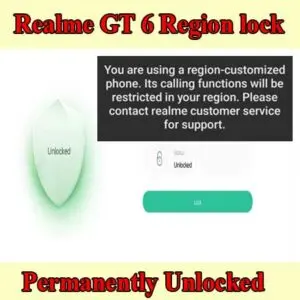
Realme GT 6 region lock - How to unlock Region Realme GT6?
Reviews
There are no reviews yet.