
Before you flash OxygenOS on a China OnePlus, you need to know one thing: changing the software does not change what the phone is. A PJZ110, PKX110 or PLK110 stays China hardware after the flash, and the region lock, bootloader rules and anti-rollback protection that come with it do not disappear. Many conversions work fine for months. The ones that go wrong usually fail in one of three ways: calls stop working, the bootloader can no longer be unlocked, or a later flash bricks the phone. This guide explains each risk, how to check your phone first, and when converting is simply not worth it.
Why people convert China OnePlus phones
China-market OnePlus phones ship with ColorOS China. That build puts Chinese services first, has limited Google support out of the box and gets its updates on the China schedule. Importers convert to OxygenOS (or, from Android 17, the global ColorOS builds) to get Google services, more languages and global OTA updates.
That goal is still reasonable. But the picture changed in 2026. OnePlus has said that OxygenOS is being replaced by ColorOS starting with Android 17 updates, and the first global ColorOS 17 builds carry an EX01 tag. We covered that in OnePlus ColorOS 17 rollout: OxygenOS ends. So “converting to OxygenOS” now often means converting to a global ColorOS build. The risks below apply either way, because they come from the hardware and the bootloader, not from the name of the ROM.
If you are not sure which model you have, check the model number in Settings first and compare it with our OnePlus China vs global model numbers table. A China unit has a code like PJZ110 or PLK110; a global unit has a CPH code.
Risk 1: the region lock and blocked calls
Since the OnePlus 11 generation, many China-market OnePlus, OPPO and realme phones include a region lock. When it triggers, the phone keeps working for apps, Wi-Fi and most daily use, but calling is restricted and a warning appears. The wording varies by build, for example “You are using a region-customized phone” or a message saying the phone is best suited for a specific region.
A technical breakdown by AndroPlus found that the lock is handled by the phone’s telephony service and is triggered by SIM cards from a list of country codes, including India, Italy, Russia and Brazil. That is why some owners see nothing for weeks and then get the warning after moving to another country or changing SIM.
The important part for converters: flashing OxygenOS is not a reliable way around it. Community reports go both ways. Some owners say the lock appeared on ColorOS and OxygenOS alike. Others, such as a recent XDA thread on a converted OnePlus 15, report calls failing after moving from ColorOS to OxygenOS. There are also reports that official unlock help may require the phone to be back on ColorOS first. Treat a conversion as something that may leave the region lock in place, and plan for it.
Not every unit is affected, and the lock state can differ between phones of the same model. Check before you flash:
- Open the dialer on the stock ColorOS build.
- Enter the region-lock status code from our OnePlus region lock guide.
- Note the
statevalue. State 1 means locked, 0 means present but not active right now, -1 means not yet active, and 2 means it has been unlocked.
If you see state 0 or -1, the lock may still activate later with a foreign SIM. For model-specific examples, see OnePlus 15 and Ace 6T region lock status 2.
Risk 2: relocking the bootloader after conversion
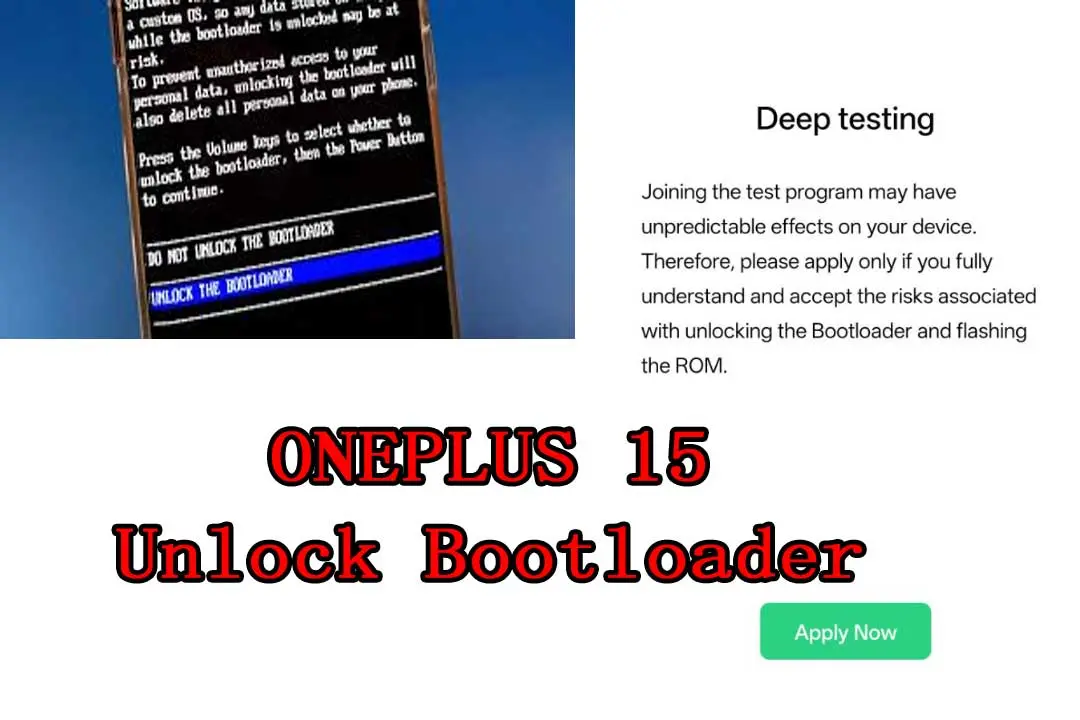
To flash a full global ROM yourself, you normally need an unlocked bootloader. On recent China units that goes through OnePlus’s Deep Testing (In-Depth Test) app, which runs on ColorOS China. In 2026 OnePlus tightened that process with account checks, a daily quota and a 14-day window to use an approval, as reported by Notebookcheck. Our OnePlus 15 bootloader unlock and Deep Testing guide covers the steps.
The trap comes after the conversion. Many people relock the bootloader to pass Play Integrity or banking checks. On a converted China phone that can be a one-way door. DroidWin explains the problem on the OnePlus 15: once a converted unit is locked, Fastboot cannot be reached by the usual key combination or adb reboot bootloader, and the Deep Testing app that would unlock it again only runs on ColorOS China. The reported way back is an EDL flash to ColorOS, then a fresh unlock application.
What this means in practice:
- If you want root, custom ROMs or the option to go back later, think hard before relocking.
- If you buy a used China unit that has already been converted, ask whether the bootloader is locked or unlocked. A converted and locked phone is much harder to change later.
- Unlocking and relocking both wipe the phone. Back up first.
If you are weighing up which of these changes you actually need, bootloader unlock vs root vs Global ROM compares them, and is unlocking the bootloader safe covers banking apps, OTA updates and warranty.
Risk 3: anti-rollback and hard bricks
This is the risk that turns a failed conversion into a dead phone. In January 2026, 9to5Google reported that ColorOS 16.0.3.501 and newer builds added a hardware-level anti-rollback mechanism on the OnePlus 13, 13T and 15, based on XDA forum findings. Forum users warned that flashing an older build after that point, including older OxygenOS packages, can hard brick the phone, and that common 9008 unbrick tools may not help. OnePlus later said it had temporarily paused downgrades from certain builds and pointed customers to its after-sales channels.
Why this matters for conversion: the OxygenOS package you download is often older than the ColorOS China build already on your phone. Flashing it is then a downgrade, not a sideways move. Before any flash:
- Write down the exact current build number from Settings > About device.
- Compare it with the build date of the package you plan to flash. If the package is older, stop.
- Only use full packages for your exact model. A package for another OnePlus model is never safe, even if the phones look similar.
If something has already gone wrong, our soft brick vs hard brick guide helps you tell whether the phone still reaches Fastboot or only shows up as Qualcomm 9008.
Pre-flash checklist
| Check | Why it matters |
|---|---|
| Model number (PJZ, PKX, PLK, PLR…) | Decides which packages are safe and which tools apply. |
| Current build number | Tells you whether the target package would be a downgrade. |
| Region lock state | A conversion may not change it. Plan for calls if you use a foreign SIM. |
| Bootloader state | Unlocked gives you a way back. Locked after conversion may not. |
| Backup of photos, chats and 2FA apps | Unlocking, relocking and most full flashes wipe the phone. |
| Working ADB and Fastboot on your PC | A failed flash on a bad driver setup is a common way to end up stuck. See our ADB and Fastboot setup for Windows. |
When not to convert
Sometimes the better choice is to keep ColorOS China and fix the parts that bother you:
- Your only problem is calls. Converting does not reliably fix a region lock. A region unlock on the stock ROM targets the actual problem. See our OnePlus region unlock services for the models we support.
- You need banking apps and a locked bootloader. On a converted China unit, relocking is where most of the risk sits.
- Your build is on the anti-rollback list and the global package is older. Wait for a newer matching package instead of downgrading.
- You are unsure of the model. Check first. Our China ROM vs Global ROM guide shows how to confirm what you have.
FAQ
Does flashing OxygenOS remove the region lock on a China OnePlus?
Not reliably. Reports show the lock can stay or appear after conversion, because it is tied to the China unit and the SIM in use, not just to the ROM name. Check the lock state before you flash.
Can I convert a China OnePlus without unlocking the bootloader?
Some older models had methods that used local full OTA packages, but these are model and version specific and not confirmed for every ColorOS to OxygenOS path. On current models, expect to need an unlocked bootloader through Deep Testing.
Should I relock the bootloader after converting?
Only if you accept that going back may require an EDL flash. On a converted China unit, a locked bootloader can block Fastboot and the Deep Testing app at the same time.
What happens if I flash an older OxygenOS build?
On builds with the new anti-rollback protection, users report hard bricks that normal unbrick tools cannot fix. Always compare build dates first and never flash an older package on a protected build.
Will my data survive the conversion?
Plan for a full wipe. Bootloader unlocking erases the phone, and most cross-region flashes do too. Back up everything you need.
My phone is already stuck after a conversion. What now?
Stop flashing random packages. Note what the screen shows, whether Fastboot still opens, and the last build installed. Then get help. Our OnePlus unbrick services cover bootloop, Fastboot and EDL cases on supported models.
Need help with a China OnePlus?
Send us your model number, current build, bootloader state and region lock state, and tell us what you want the phone to do. We will tell you whether a conversion, a region unlock or neither makes sense before you pay. Contact NCUnlock for a remote check.
Comments
0 comments