
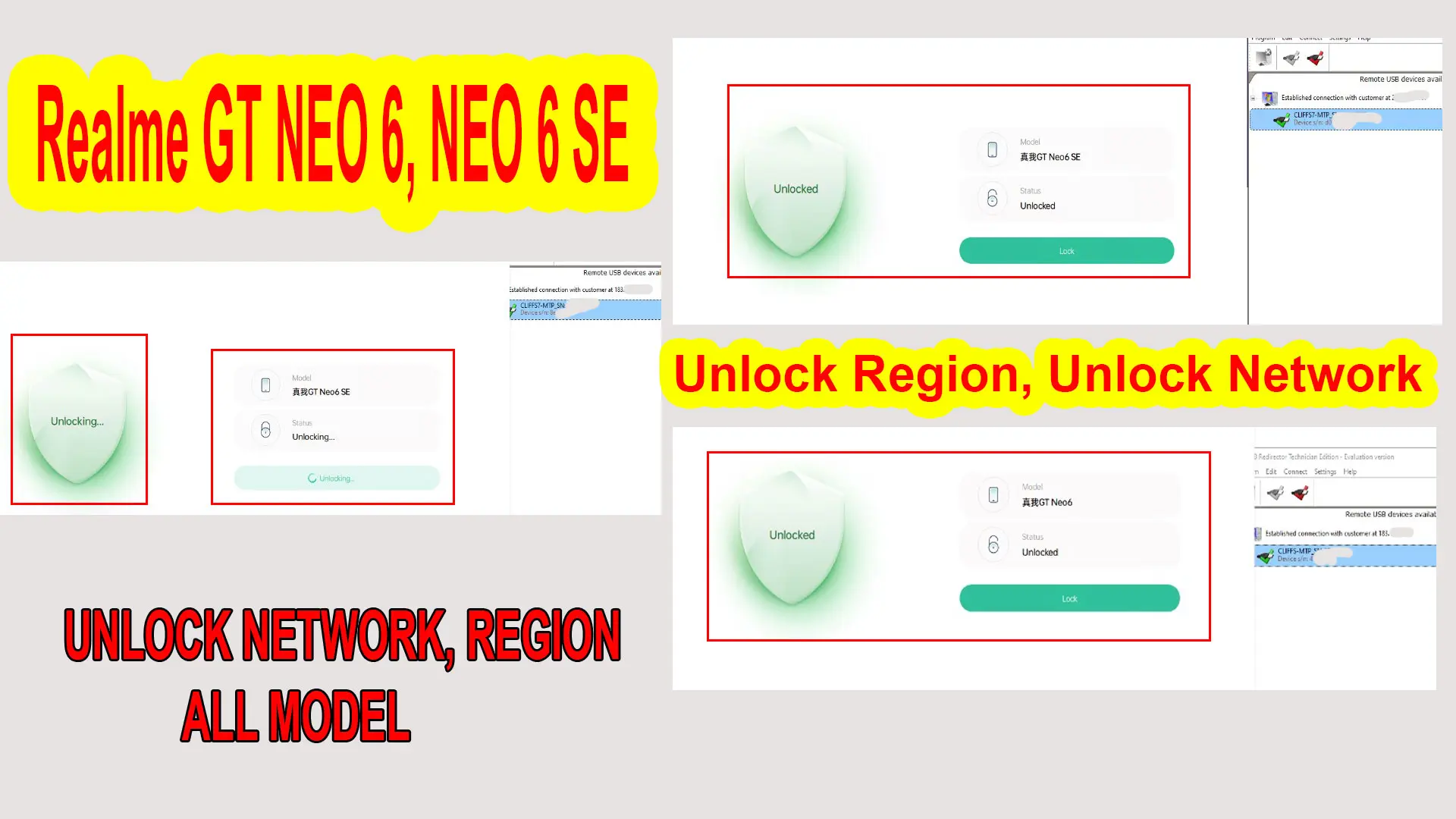
Realme GT Neo 6 SE region unlock service
If your RMX3850 or RMX3852 shows a region-customized phone warning, call block or SIM restriction, order Realme GT Neo 6 SE region unlock service. If the phone is bricked after flashing, read the Realme GT Neo 6 SE unbrick guide instead.
Fix “you are using a region customized phone realme”
Unlock region Realme GT Neo 6 Network lock?
“remove carrier and network restrictions. Follow the instructions unlock region Realme GT Neo 6 RMX3852, Neo 6 SE RMX3850 phone and gain the flexibility to use any SIM card from any carrier or network provider.”
How to unlock region Realme GT Neo 6?
“You are using a region customized phone realme. Please contact your place of purchase to resolve the problem”
- Go to setting >> about phone ≥> version ≥> build number >> click 8 time to build number
- Back to setting ≥> additional setting >> developer options ≥> usb debugging ≥> turn on
- Download and install ultraviewer + radmin vpn to PC
- Oder my services (here).
- Send me oder number + Ultraviewer ID + PASSWORD
[button color=”primary” size=”big” link=”https://ncunlock.com/product/unlock-region-realme-gt-neo-6-se-services/” icon=”” target=”true” center=”false” nofollow=”false” sponsored=”false”]Buy Unlock Region Realme Services[/button]
……………………………….
Contact me if you can’t do it:
Realme GT Neo 6, Neo 6 SE >> Unlocked
Before “Locked , unlocking“
After “Unlocked“
Comments
0 comments