

How to Unbrick OnePlus 9RT (MT2110, MT2111) Stock ROM Firmware (Flash File)

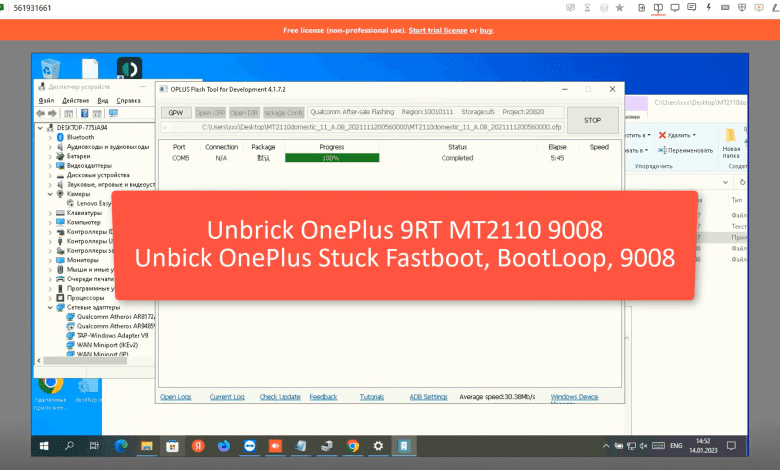
How to Unbrick OnePlus 9RT (MT2110, MT2111) Stock ROM Firmware (Flash File). By using this firmware, you can solve all software issues within your OnePlus 9RT (MT2110, MT2111), such as hanging on the logo, FRP reset, fixing stuck Fastboot Mode, bootloop (Lost Fastboot – Lost Recovery), stuck EDL (black screen), or white after flashing, dead after flashing, etc.
Firmware Unbrick OnePlus 9RT
MT2110domestic_11_A.15_2022070818310178.zip: Download
Flash file
OplusFlashTool_v5.1.3.4_for_Sales: Download
Oppo_Latest_MTK_QCOM_Driver_Setup_V2.0.1.1: Download
Qualcomm_Drivers_QDLoader: Download
Usb_driver_r13-windows: Download
How to Unbrick OnePlus 9RT
- Download, Extract ROM File & tool in same folder
- Qualcomm_Drivers_QDLoader driver on your computer
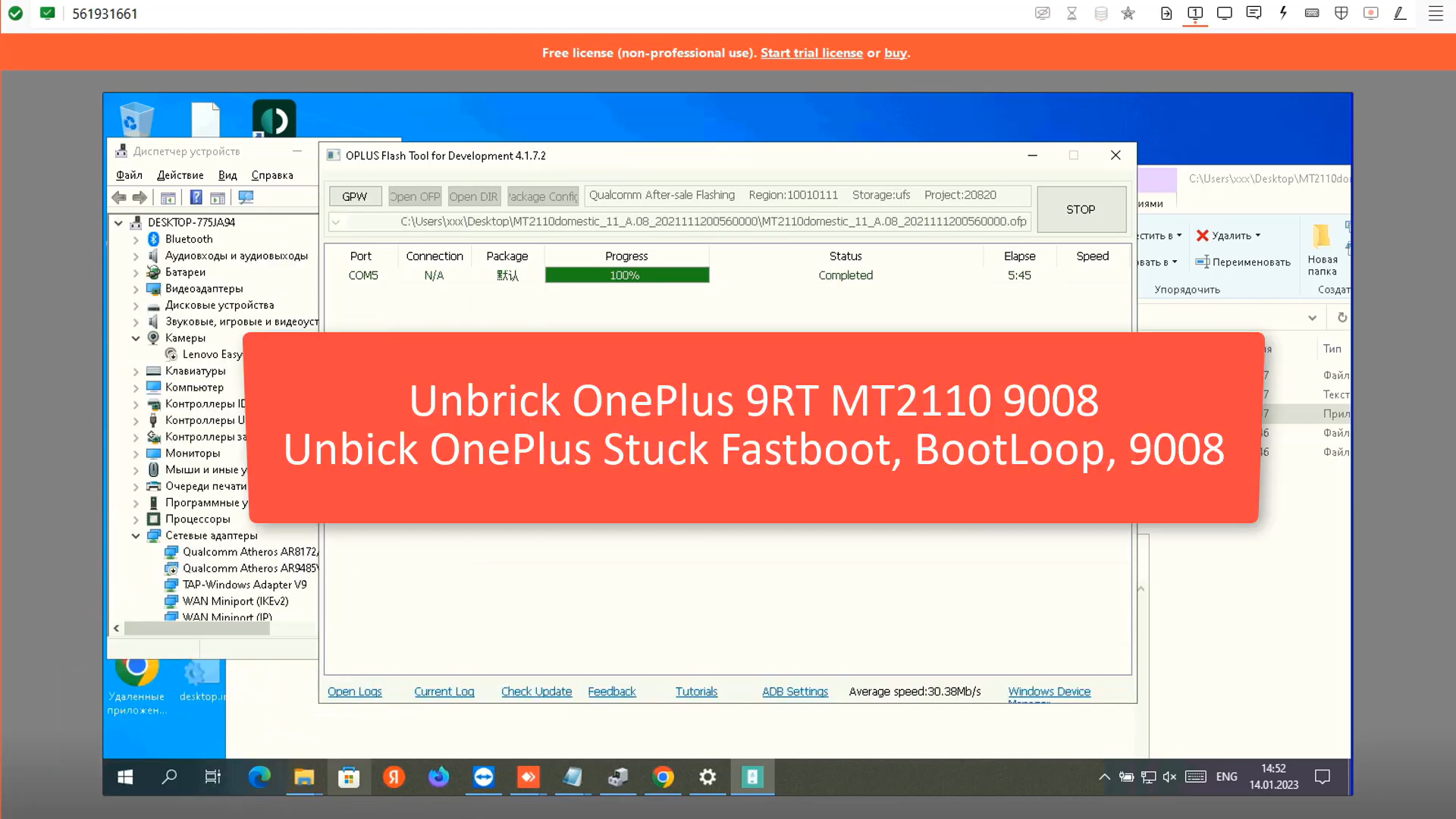
- Login OplusFlashTool.exe
-
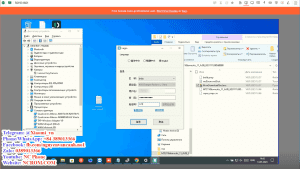
how-to-unbrick-oneplus-9rt-login - Select Firmware
-
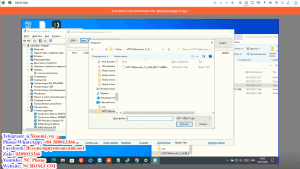
how-to-unbrick-oneplus-9rt-select-firmware - Click “Start” button
- Conect Phone to PC, Enter EDL Mode
- Wait until success, once done. Unplug device and switch it ON >>>Done All
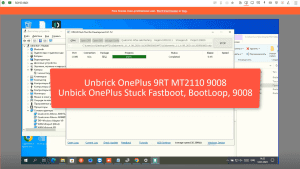
How to reboot EDL
- Connect one end of the USB cable to your PC.
- Then connect the other end to your device.
- Now press and hold the Volume Up, Volume Down, and Power keys. after the software launches, remove your hands (or when you see qualcomm 9008 appear in device manager)
Video Tutorial
How to Unbrick OnePlus 9RT 9008 | Unbrick OnePlus Black Screen (MT2110)
Contact me if you can’t do it:
You can also use our service:
Unbrick OnePlus 9RT Services
$25
Unbrick OnePlus 9RT Services
Use Auth Flash Tool Fix:
BootLoop (Lost Fastboot – Lost Recovery)
Stuck Fastboot
Stuck EDL (Black Screen)
Service process
How this remote service works
Product details
Technical Guide
Unbrick OnePlus 9RT
By using this firmware, you can solve all software issues within your OnePlus 9RT, such as hanging on the logo, FRP reset, fixing stuck Fastboot Mode, bootloop (Lost Fastboot – Lost Recovery), stuck EDL (black screen), or white after flashing, dead after flashing, etc.
Unbrick OnePlus 9RT
After payment please send ID + PASSWORD (Teamviewer, Ultraviewer or Anydesk) to me
Product details
Customer Reviews
1 review for Unbrick OnePlus 9RT Services
Unbrick OnePlus 9RT
By using this firmware, you can solve all software issues within your OnePlus 9RT, such as hanging on the logo, FRP reset, fixing stuck Fastboot Mode, bootloop (Lost Fastboot – Lost Recovery), stuck EDL (black screen), or white after flashing, dead after flashing, etc.
Unbrick OnePlus 9RT
After payment please send ID + PASSWORD (Teamviewer, Ultraviewer or Anydesk) to me
1 review for Unbrick OnePlus 9RT Services
-
very fast



madu san –
very fast