

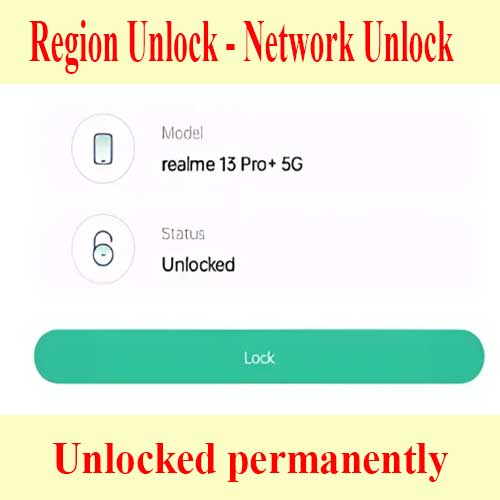
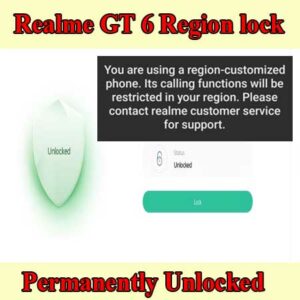
Unlock Realme 13 Pro network lock. You cant make calls anywhere with ease. Learn how to check and remove the region lock restrictions. RMX3921 network unlock
Realme / OPPO
Remote session
No shipping
Guide below
Unlock Realme 13 Pro network lock (rmx3921 unlock)
$25
Remote service
Worldwide support with no phone shipping.
Live operator
Telegram and WhatsApp support during the session.
Technical notes below
Guide, compatibility, and reviews stay on the same page.
Service process
How this remote service works
1. Choose the service
Confirm the device and model from the product page above.
2. Complete payment or request price
Use the custom NCUnlock payment or contact popup already attached to the product.
3. Connect remotely
Prepare USB, drivers, and UltraViewer so the technician can start immediately.
4. Follow the technical guide
Use the guide and compatibility sections below before and during the session.
Product details
Technical Guide
Check region lock on Realme 13 Pro plus:
Dial *#*#3932433284#*#* and check the state
state: 1 – The region lock is currently locked.
state: 0 – The region lock is activated, but temporary disabled. (Not in the blacklisted area / Using a China SIM)
state: -1 – The region lock is not activated, but if you use a SIM from blacklisted area, the state will become 1.
state: 2 – The region lock is existed, but it is unlocked. (my services)
Unlock Realme 13 Pro network lock guide
- Go to setting >> about phone ≥> version ≥> build number (version number, version no….) >> click 8 time to build number
- Back to setting ≥> additional setting >> developer options ≥> usb debugging ≥> turn on
- Download and install ultraviewer to pc
- Download and install Radmin VPN to pc
- Buy services from here
Product details
Reviews
There are no reviews yet.