

Buy Unbrick Oppo Reno 4 Pro 5G (CPH2089) Services
$15
Fix Oppo Reno 4 Pro 5G (CPH2089) hard, soft brick. Boot Loop, stuck fastboot, stuck EDL (black screen). Remove Demo, Delete , forgot screen password. Unbrick Oppo Reno 4 Pro 5G Services
Service process
How this remote service works
Product details
Technical Guide
Description
-
- Download your firmware
- Download and install ultraviewer to pc: Here
- Send oder number + Ultraviewer (ID + PASSWORD) to me

How the remote unbrick service works
This service restores a phone that is stuck in bootloop, Fastboot, recovery, black screen or Qualcomm EDL 9008 / MediaTek BROM mode. Support identifies the mode first, then flashes the correct official firmware for your exact model and region.
Steps
- Send your model details and describe the problem.
- Support confirms compatibility, scope and price.
- Install UltraViewer or AnyDesk on a Windows PC and connect the phone with a good USB cable.
- A technician completes the job remotely while you watch. You never ship the phone.
What to send
- A screenshot of Settings → About phone, or the model number from the box if the phone does not boot.
- What happened before the problem (update, flashing, root, relock) and the result you want.
Read first: Soft brick vs hard brick: how to identify EDL, Fastboot and BROM. Questions? Contact NCUnlock on Telegram or WhatsApp.
Product details
Customer Reviews
Please log in to post a review.
Related products
-
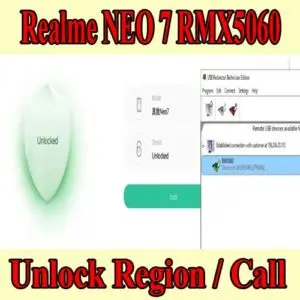
Realme Neo 7 region unlock - Unlock Realme Neo 7 series region lock Services
Realme Neo 7 region unlock and make calls anywhere with ease. (RMX5060)…
-
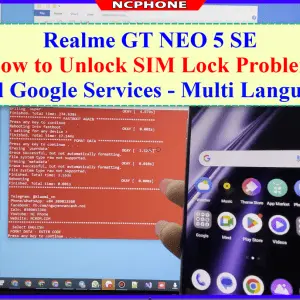
Unlock Sim Lock Realme GT NEO 5SE Services
How to unlock SIM lock on Realme GT NEO 5SE - Unlock…
-
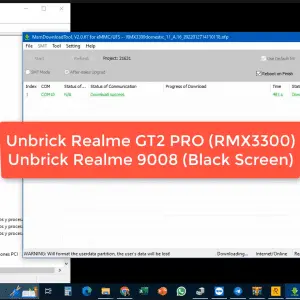
Unbrick Realme GT2 Pro Services
Unbrick Realme GT2 Pro Services Use Auth Flash Tool Fix: BootLoop (Lost…
-
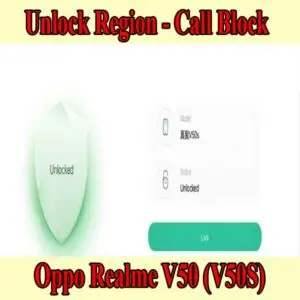
Unlock Call Block Realme V50 (V50S) - Region Customized Phone Issue
Fix You are using a region customized phone realme. Please contact your…
Reviews
There are no reviews yet.