

Unbrick OnePlus Ace 2V Services
$25
How to Unbrick Oneplus Ace 2V PHP110 Stock Firmware ROM (Flash File). By using this firmware, you can solve all software issues within your OnePlus Ace 2V PHP110. Such as hanging on the logo, FRP reset, fixing stuck Fastboot Mode, BootLoop (Lost Fastboot – Lost Recovery), stuck EDL (black screen), or white after flashing, dead after flashing, etc.
Service process
How this remote service works
Product details
Technical Guide
Description
How to Unbrick Oneplus Ace 2V PHP110 Stock Firmware ROM (Flash File). By using this firmware, you can solve all software issues within your OnePlus Ace 2V PHP110. Such as hanging on the logo, FRP reset, fixing stuck Fastboot Mode, BootLoop (Lost Fastboot – Lost Recovery), stuck EDL (black screen), or white after flashing, dead after flashing, etc.
How the remote unbrick service works
This service restores a phone that is stuck in bootloop, Fastboot, recovery, black screen or Qualcomm EDL 9008 / MediaTek BROM mode. Support identifies the mode first, then flashes the correct official firmware for your exact model and region.
Steps
- Send your model details and describe the problem.
- Support confirms compatibility, scope and price.
- Install UltraViewer or AnyDesk on a Windows PC and connect the phone with a good USB cable.
- A technician completes the job remotely while you watch. You never ship the phone.
What to send
- A screenshot of Settings → About phone, or the model number from the box if the phone does not boot.
- What happened before the problem (update, flashing, root, relock) and the result you want.
Read first: Soft brick vs hard brick: how to identify EDL, Fastboot and BROM. Questions? Contact NCUnlock on Telegram or WhatsApp.
Product details
Customer Reviews
2 reviews for Unbrick OnePlus Ace 2V Services
Please log in to post a review.
Related products
-
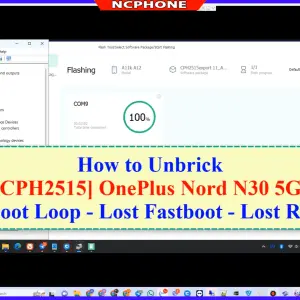
Unbrick OnePlus Nord N30 5G Services
Download your firmware Download and install ultraviewer to pc: Here Send oder…
-
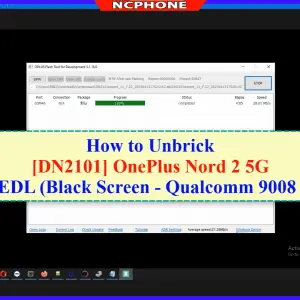
Unbrick OnePlus Nord 2 5G DN2101 Services
How to Unbrick OnePlus Nord 2 5G DN2101 Firmware. Official Flash File…
-
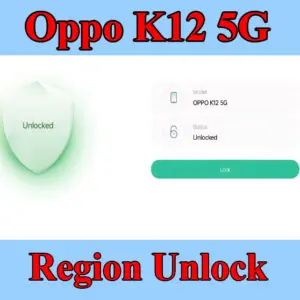
Unlock Call Block OPPO K12 - Region Customized Phone Issue
Fix You are using a region customized phone realme. Please contact your…
-
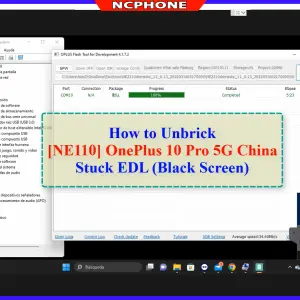
OnePlus 10 Pro NE2210 unbrick service - EDL/MSM repair
Remote OnePlus 10 Pro unbrick service for NE2210, NE2211, NE2213, NE2215 and…
Mir arslan ahmed –
I have reviewed the firmware notes and want to open the download link
5 of 5 stars
Abubakar –
Exilent 5star