
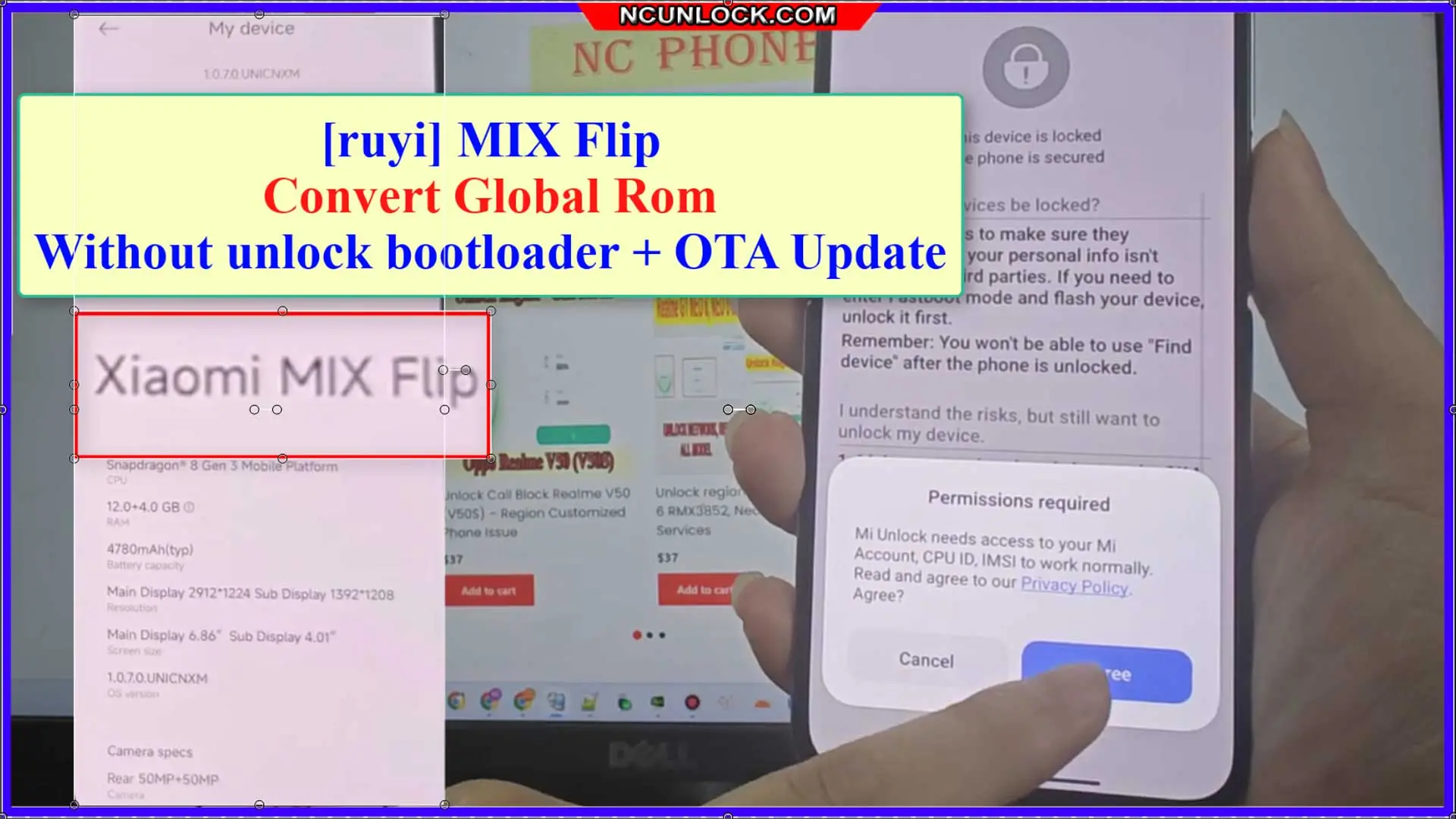
Preparations Before convert global rom Xiaomi Mix Flip
Backup Your Data
Before starting Xiaomi Mix Flip Global ROM convert, ensure you back up all important data on your phone as rooting can lead to data loss.
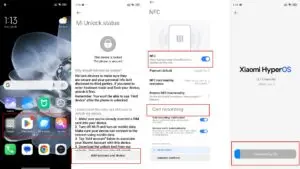
- NFC WORK
- OTA UPDATE WORK
- CALL RECORD WORK
- Bootloader still lock
- Remove China app
- Multi languages
- Full google services
Fastboot and Qualcomm_Drivers_QDLoader driver
- Qualcomm_Drivers_QDLoader: Download
- Fastboot (Bootloader Driver): Here
- Download and install fastboot driver (after install done >> close app)
Xiaomi Mix Flip Global ROM convert step
[ruyi] MIX Flip_global_OS1.0.3.0.UNIMIXM_OTA_UPDATE.zip : Download
- Download and extract firmware to your pc
-
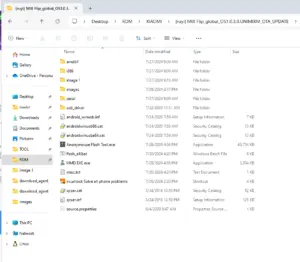
Xiaomi Mix Flip Global ROM convert without unlock bootloader - Run “android_winusb.inf” to install fastboot driver
- Run “qcser.inf” install Qualcomm_Drivers_QDLoader driver
- Anonymouse Flash Tool.exe flash tool
- “images” = [ruyi] MIX Flip KeepNV_factory_images_FACTORY
- “images1″ = MIX Flip_global_OS1.0.3.0.UNIMIXM_OTA_UPDATE”
Convert global rom Xiaomi Mix Flip
- go to setting >> Sign out xiaomi account
- press and hold volume down + power button >> go to fastboot mode
- conect phone to pc
- Use fastboot to edl tool or hydra edl v2 cable
- Open flash tool and select firmware and flash
-
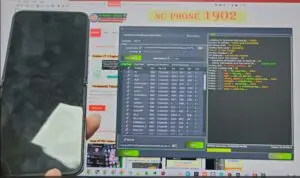
flash-Xiaomi-Mix-Flip-Global-ROM-convert-without-unlock-bootloader - Flash images >. flash images1
- done
You can also use our service:


Xiaomi Mix Flip Global ROM convert without unlock bootloader Services
$75
Preparations Before Xiaomi Mix Flip Global ROM convert
Backup Your Data
Before starting Xiaomi Mix Flip Global ROM convert, ensure you back up all important data on your phone as rooting can lead to data loss.
Description
- NFC WORK
- OTA UPDATE WORK
- CALL RECORD WORK
- Bootloader still lock
- Remove China app
- Multi languages
- Full google services
Follow My step:
- Oder services
- Download and install ultraviewer to pc: Here
- Send oder number + Ultraviewer (ID + PASSWORD) to me
How the remote Global ROM conversion works
This service moves a China-market phone to official Global software with Google Play, more languages and international updates. Support confirms that your model and current build are supported, and whether the conversion needs a bootloader unlock, before you pay.
Steps
- Send your model details and describe the problem.
- Support confirms compatibility, scope and price.
- Install UltraViewer or AnyDesk on a Windows PC and connect the phone with a good USB cable.
- A technician completes the job remotely while you watch. You never ship the phone.
What to send
- A screenshot of Settings → About phone, or the model number from the box if the phone does not boot.
- What happened before the problem (update, flashing, root, relock) and the result you want.
Read first: China ROM vs Global ROM: how to check your phone. Questions? Contact NCUnlock on Telegram or WhatsApp.
Please log in to post a review.
Service process
How this remote service works
Product details
Technical Guide
Description
- NFC WORK
- OTA UPDATE WORK
- CALL RECORD WORK
- Bootloader still lock
- Remove China app
- Multi languages
- Full google services
Follow My step:
- Oder services
- Download and install ultraviewer to pc: Here
- Send oder number + Ultraviewer (ID + PASSWORD) to me
How the remote Global ROM conversion works
This service moves a China-market phone to official Global software with Google Play, more languages and international updates. Support confirms that your model and current build are supported, and whether the conversion needs a bootloader unlock, before you pay.
Steps
- Send your model details and describe the problem.
- Support confirms compatibility, scope and price.
- Install UltraViewer or AnyDesk on a Windows PC and connect the phone with a good USB cable.
- A technician completes the job remotely while you watch. You never ship the phone.
What to send
- A screenshot of Settings → About phone, or the model number from the box if the phone does not boot.
- What happened before the problem (update, flashing, root, relock) and the result you want.
Read first: China ROM vs Global ROM: how to check your phone. Questions? Contact NCUnlock on Telegram or WhatsApp.
Product details
Customer Reviews
Reviews
There are no reviews yet.
Please log in to post a review.
Related products
-
Unbrick Xiaomi 12T Dimensity Services
How to Unbrick Xiaomi 12T Dimensity bricked (Stuck Fastboot, Boot Loop, Black…
-
Unlock Bootloader Xiaomi Pad 7 Pro - Remote Service
Unlock Bootloader Xiaomi Pad 7 Pro helps fix software issues on Xiaomi…
-
Unbrick Xiaomi Redmi K40/K40 Pro/K40S/POCO F3/Mi 11X Services
How to Unbrick Xiaomi Redmi K40/POCO F3/Mi 11X bricked (Stuck Fastboot, Boot…
-
Unbrick Xiaomi Redmi K50, K50 Pro Services
How to Unbrick Xiaomi Redmi K50, K50 Pro bricked (Stuck Fastboot, Boot…
Reviews
There are no reviews yet.