

Oppo Find N5 Convert Global ROM (Unbrick) Service
$25
- Multi-language support:
- Faster software updates:
- Remove bloatware:
- Google services compatibility
- Enhanced global usability
Service process
How this remote service works
Product details
Technical Guide
Description
Why Choose Our Oppo Find N5 Convert Global ROM Service?
- Fast Turnaround: Restore your device in just 15-30 minutes.
- Reliable: We preserve your data whenever possible.
- Supportive Team: Our experts are here to answer all your questions.
-
Telegram: @Xiaomi_vnPhone/WhatsApp: +84 389013366Facebook: fb.com/nguyenvancanh.no1
Supported Models
We can handle:
- Oppo Find N5 PKH110
- Oppo Find N5 PKH120
- Oppo Find N5 CPH2671
How Does It Work?
Simply order the service, provide your device details, and we’ll take care of the rest – remotely or in-person, depending on your location. Your [Model Name] will be back to normal soon.
Don’t wait! Want to try fixing it yourself? Check out our ROM flashing guide here.

How the remote Global ROM conversion works
This service moves a China-market phone to official Global software with Google Play, more languages and international updates. Support confirms that your model and current build are supported, and whether the conversion needs a bootloader unlock, before you pay.
Steps
- Send your model details and describe the problem.
- Support confirms compatibility, scope and price.
- Install UltraViewer or AnyDesk on a Windows PC and connect the phone with a good USB cable.
- A technician completes the job remotely while you watch. You never ship the phone.
What to send
- A screenshot of Settings → About phone, or the model number from the box if the phone does not boot.
- What happened before the problem (update, flashing, root, relock) and the result you want.
Read first: China ROM vs Global ROM: how to check your phone. Questions? Contact NCUnlock on Telegram or WhatsApp.
Product details
Customer Reviews
Please log in to post a review.
Related products
-
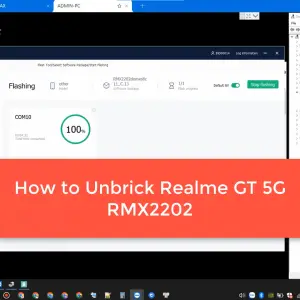
Unbrick Realme GT 5G Services
Unbrick Realme GT 5G (RMX2202) Services Use Auth Flash Tool Fix: BootLoop…
-

Xiaomi redmi note 11T Pro Global rom without unlock bootloader
[xaga] Redmi Note 11T Pro/Pro Plus. Before starting Xiaomi Redmi Note 11T…
-
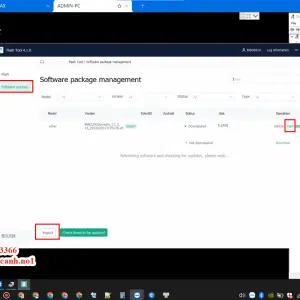
Unbrick Realme 11/11 Pro/11 Pro Plus Services
How to Unbrick Realme 11/11 Pro/11 Pro Plus bricked (Stuck Fastboot, Boot…
-
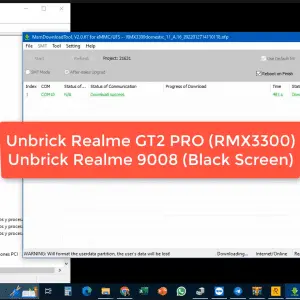
Unbrick Realme GT2 Pro Services
Unbrick Realme GT2 Pro Services Use Auth Flash Tool Fix: BootLoop (Lost…
Reviews
There are no reviews yet.