


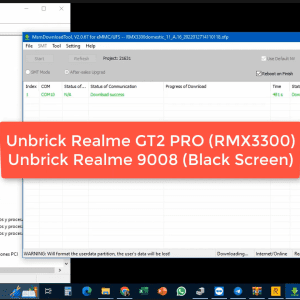
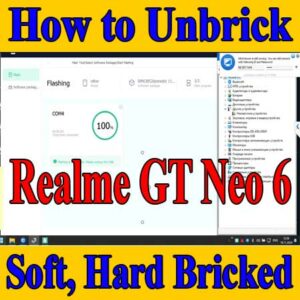
How to Unbrick Realme GT Neo5 SE RMX3700 Firmware. Official Flash File (Stock ROM) . Official Flash File (Stock ROM). By using this firmware, you can solve all software issues within your Realme GT Neo5 SE RMX3700. Such as hanging on the logo, fixing stuck Fastboot Mode, BootLoop (Lost Fastboot – Lost Recovery), stuck EDL (black screen), or white after flashing, dead after flashing, etc.
Realme / OPPO
Remote session
No shipping
Guide below
Sale!
Unbrick Realme GT Neo5 SE Services
Original price was: $30.$15Current price is: $15.
Remote service
Worldwide support with no phone shipping.
Live operator
Telegram and WhatsApp support during the session.
Technical notes below
Guide, compatibility, and reviews stay on the same page.
Service process
How this remote service works
1. Choose the service
Confirm the device and model from the product page above.
2. Complete payment or request price
Use the custom NCUnlock payment or contact popup already attached to the product.
3. Connect remotely
Prepare USB, drivers, and UltraViewer so the technician can start immediately.
4. Follow the technical guide
Use the guide and compatibility sections below before and during the session.
Product details
Technical Guide
How to Unbrick Realme GT Neo5 SE RMX3700 Firmware. Official Flash File (Stock ROM) . Official Flash File (Stock ROM). By using this firmware, you can solve all software issues within your Realme GT Neo5 SE RMX3700. Such as hanging on the logo, fixing stuck Fastboot Mode, BootLoop (Lost Fastboot – Lost Recovery), stuck EDL (black screen), or white after flashing, dead after flashing, etc.
Product details
Reviews
There are no reviews yet.