

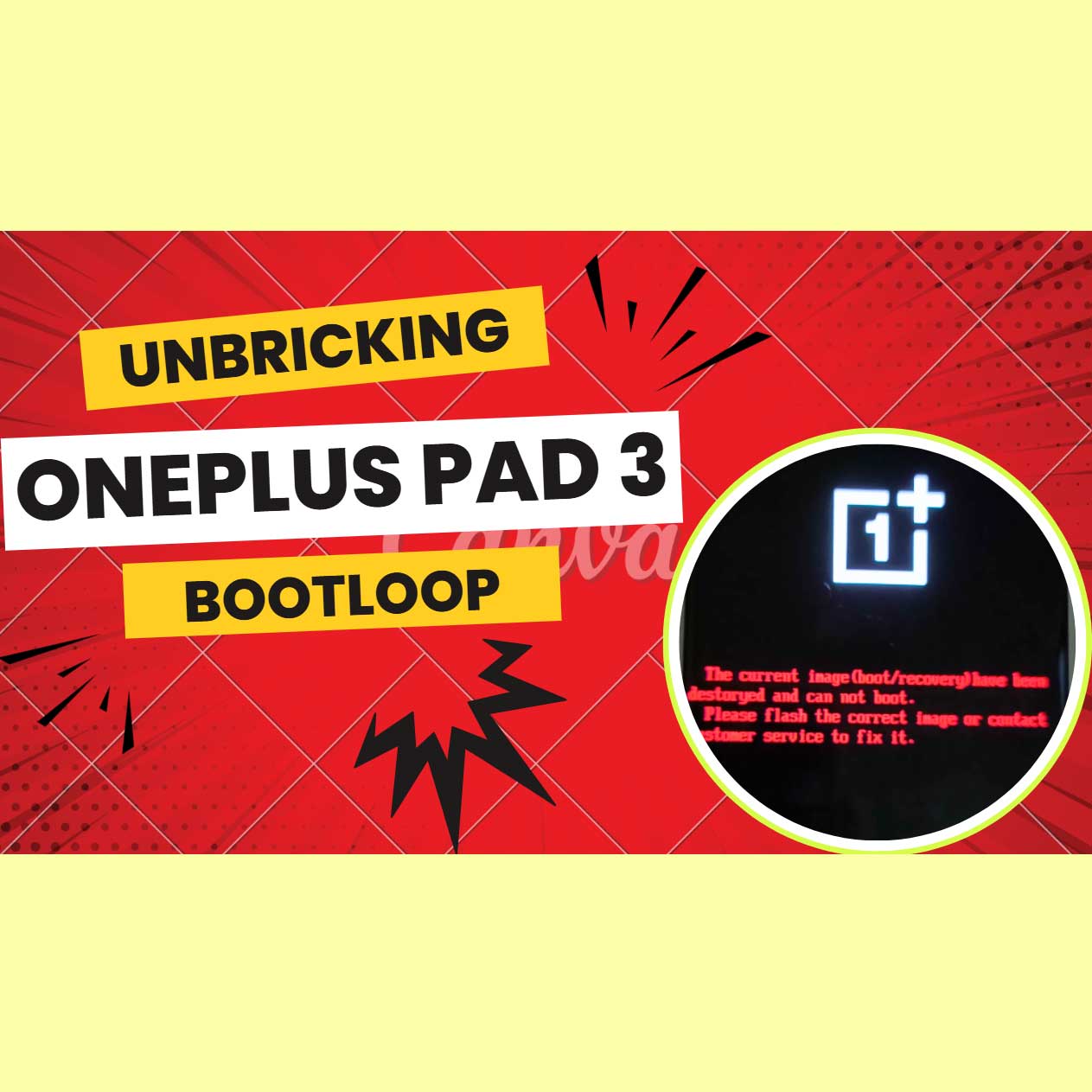
How to Unbrick OnePlus Pad 3 bricked Services – OPD2415 Stock ROM Firmware (Flash File). By using this firmware, you can solve all software issues within your OnePlus Pad 3, such as hanging on the logo, FRP reset, fixing stuck Fastboot Mode, bootloop (Lost Fastboot – Lost Recovery), stuck EDL (black screen), or white after flashing, dead after flashing, etc.
OnePlus
Remote session
No shipping
Guide below
Unbrick OnePlus Pad 3 Service – OPD2415 Firmware
$110
Remote service
Worldwide support with no phone shipping.
Live operator
Telegram and WhatsApp support during the session.
Technical notes below
Guide, compatibility, and reviews stay on the same page.
Service process
How this remote service works
1. Choose the service
Confirm the device and model from the product page above.
2. Complete payment or request price
Use the custom NCUnlock payment or contact popup already attached to the product.
3. Connect remotely
Prepare USB, drivers, and UltraViewer so the technician can start immediately.
4. Follow the technical guide
Use the guide and compatibility sections below before and during the session.
Product details
Technical Guide
Unbrick OnePlus Pad 3 Service
Note: Prices are subject to change at any time and always reflect the best available rate at that moment.
📥 Download Unbrick ROM: Click Here
PhoneName=OnePlus Pad 3
ShowName=OPD2415export_11_15.0.1.306EX01_2025050821370127.zip
🔧 Why Choose Us?
- Over 5 years of experience in fixing boot errors, stuck logos, and dead devices.
- Professional technical team supporting international customers at NCUNLOCK.COM.
- Safe and secure, full refund if the process is unsuccessful.
- Supports all carriers, with processing time between 10–30 minutes depending on the device and network connection.
🛠️ How It Works
- After purchasing the service, please contact us using the communication channels listed on our website.
- Download and install Ultraviewer (Click Here) – used for remote desktop control.
- Send us a screenshot of your order and payment confirmation to begin the process.
- Wait for the process to complete – your device will be restored to like-new condition.
📌 Requirements for Unbricking OnePlus Pad 3
- A Windows PC
- A stable internet connection
- A USB charging/data cable to connect the phone to your PC
- Always use the original cable or the best quality cable available
- Preferably connect to a USB 3.0 port (usually at the back of a desktop PC)
- Install Ultraviewer for remote support
🔄 Refund Policy
- Full refund if our server is offline or we are unable to unbrick the device
- No refund if the device is bricked again due to user error
- No refund if power loss or PC shutdown occurs during the unbrick process
Product details


Reviews
There are no reviews yet.