

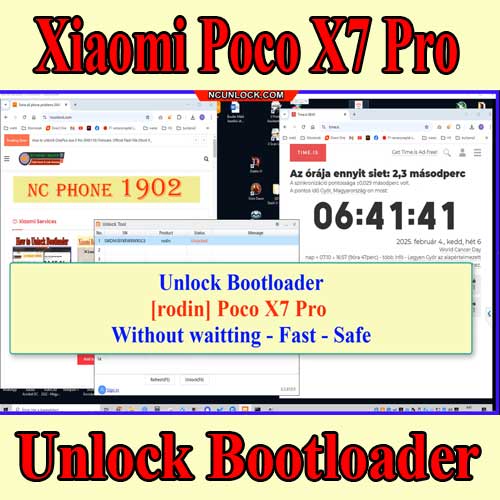
unlock bootloader Poco X7 Pro / X7 easily with our comprehensive guide. Follow the steps for a smooth process.
Unlock Bootloader Poco X7 Pro Without Waiting
⚡
Fast Response
Usually within 15 minutes
💬
Live Support
24/7 via chat channels
🔒
Secure Service
Trusted since 2018
📋 Your message will be sent as:
Unlock Bootloader Poco X7 Pro Without Waiting - ONLINE/OFFLINE AND PRICE?
Price varies by device model — contact us for an exact quote.
- Sign out xiaomi account from phone (If login) >> Go to setting and sign out
- Download and install ultraviewer to pc: Here or teamviewer: Here
- Conect Phone to fastboot Mode (Press and hold volume down + power button for 30 – 50s)
- Oder my services, See instructions: Here
- Send oder number + Ultraviewer (ID + PASSWORD) to me
- Wait processing
- Please ensure the computer will not sleep during the standby process. Do not turn off ultraviewer, do not disconnect the phone
Platform Tools: Download
Serhat –
You are amazing bro, you unlocked my phone’s bootloader without harming it. But my house’s electricty just went off for 3 seconds and i was scared a bit.